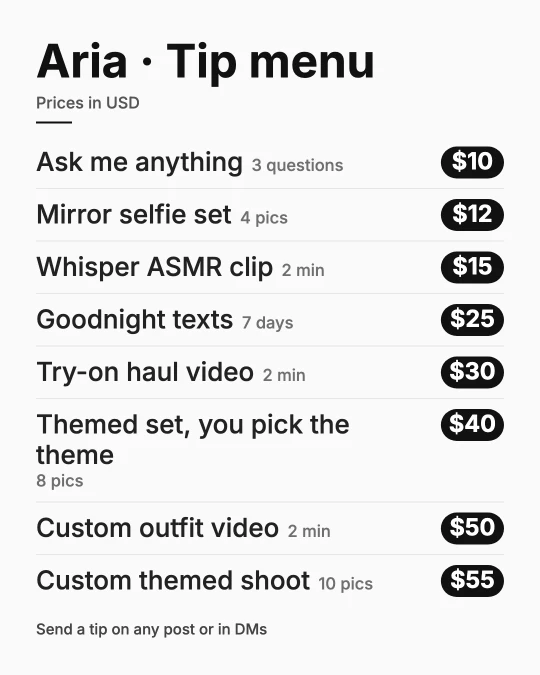
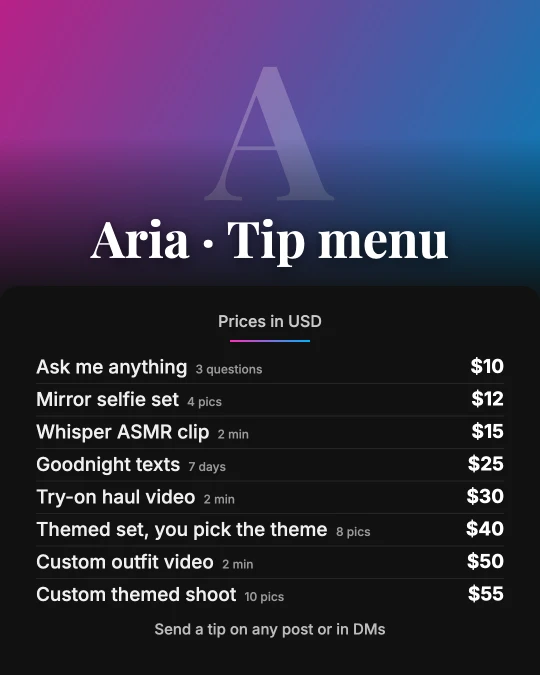
Vixxxen / AI OFM Platform / OnlyFans menu template
Build a tip menu for OnlyFans, Fansly or Fanvue: choose what you offer and a price level, get a ready menu with suggested prices, edit every line, then copy it as text or save it as an image for your feed, story or pinned post.
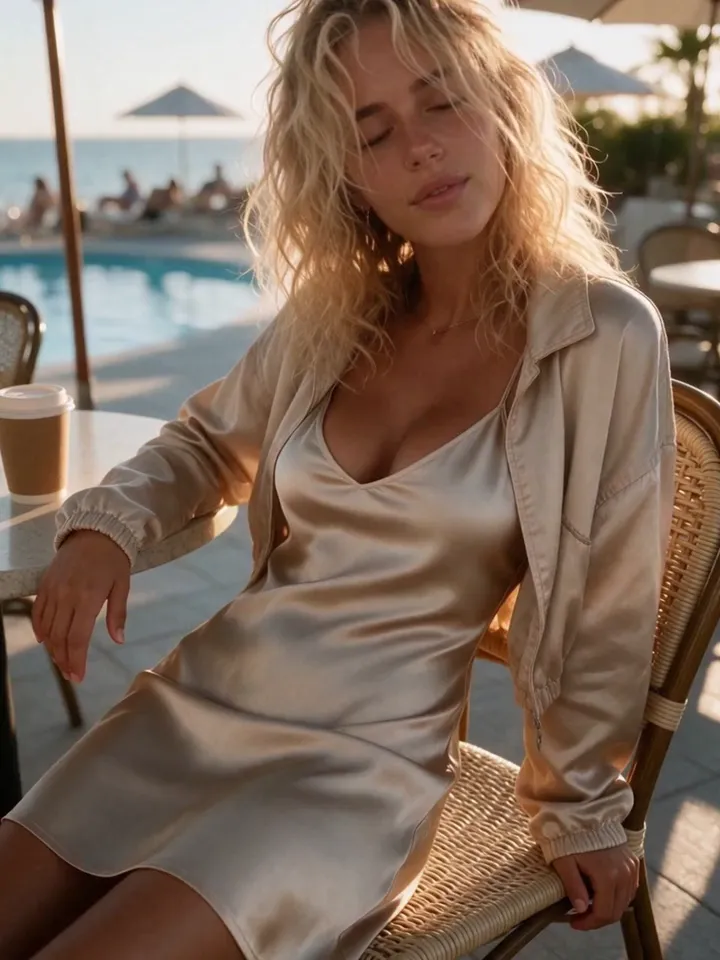
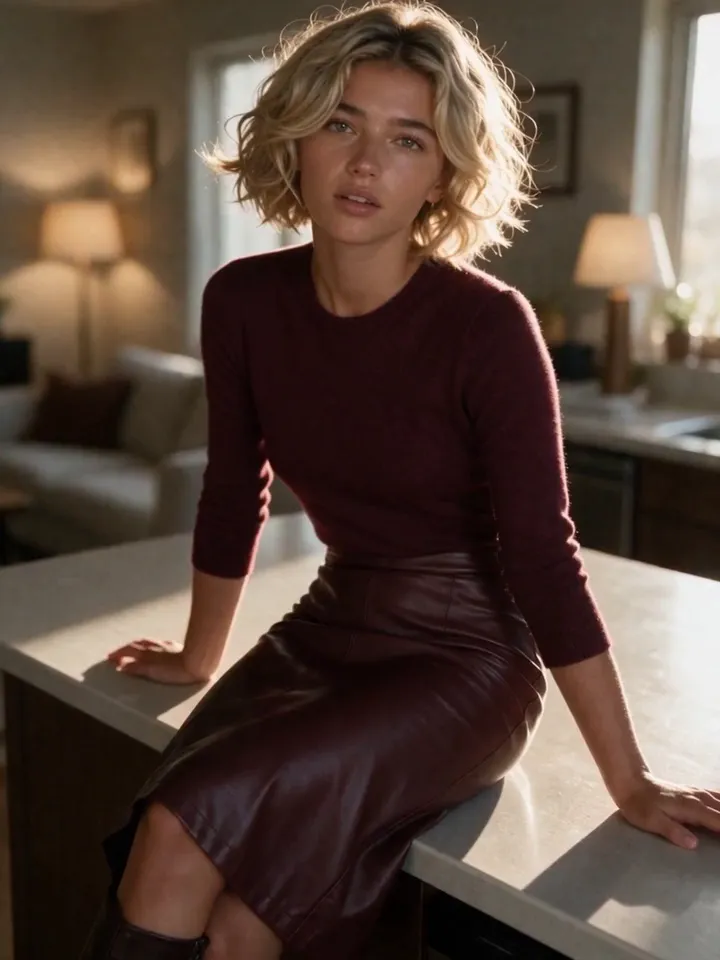
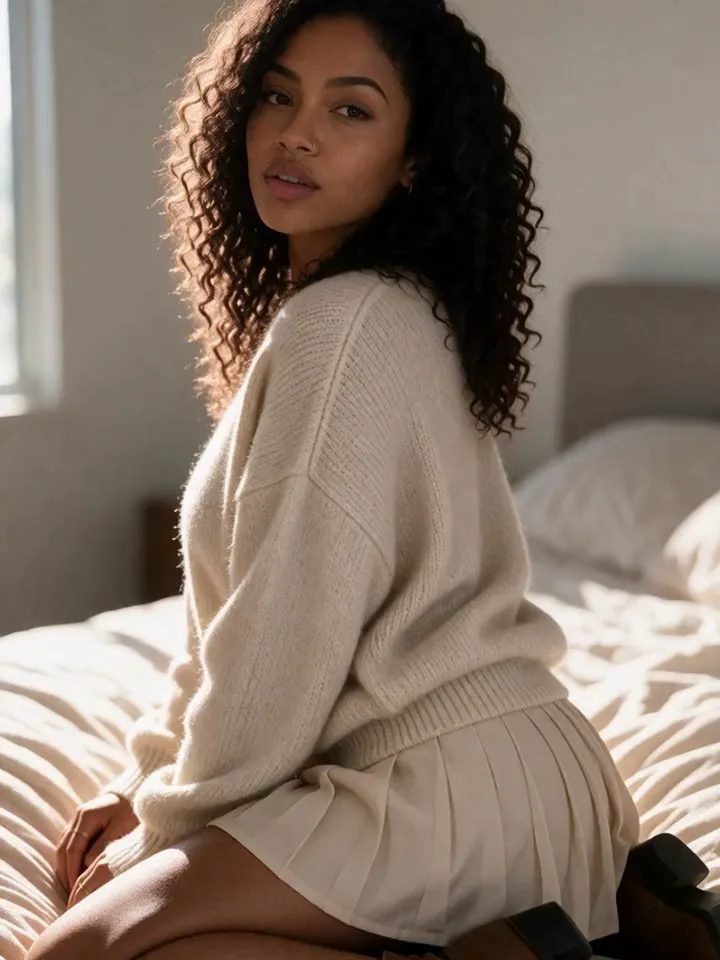
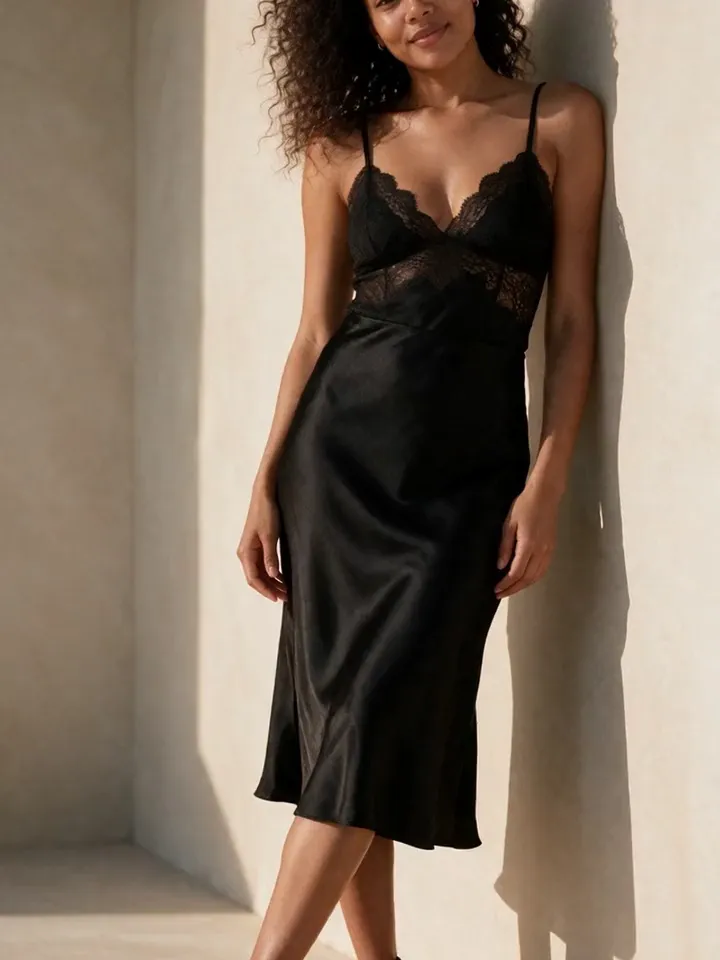
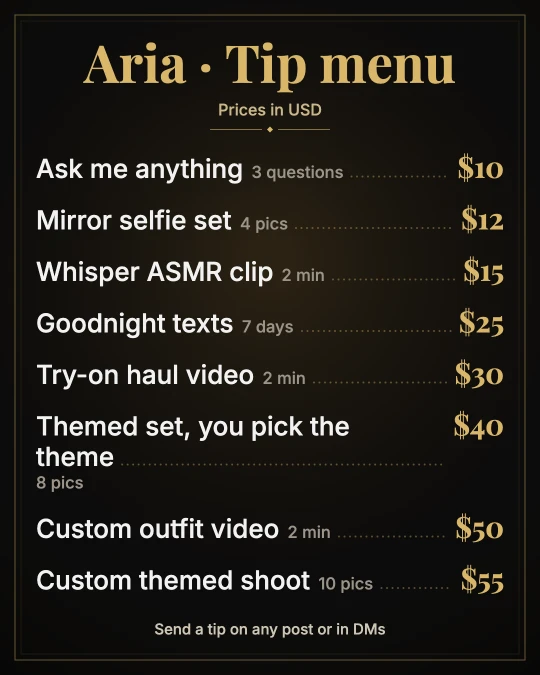
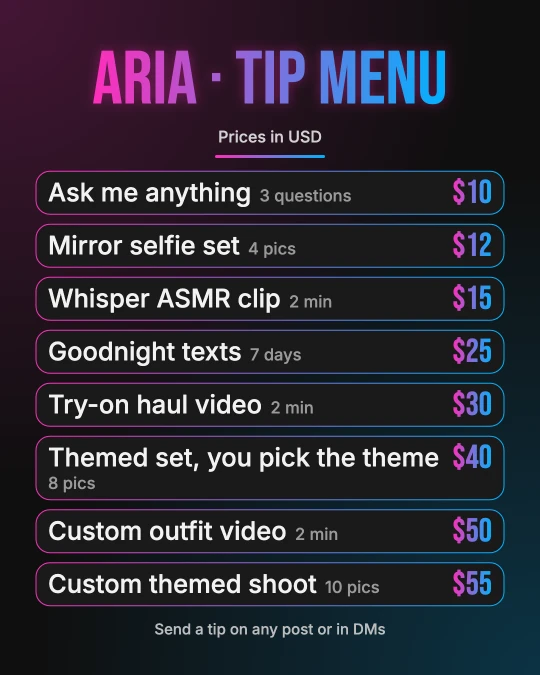
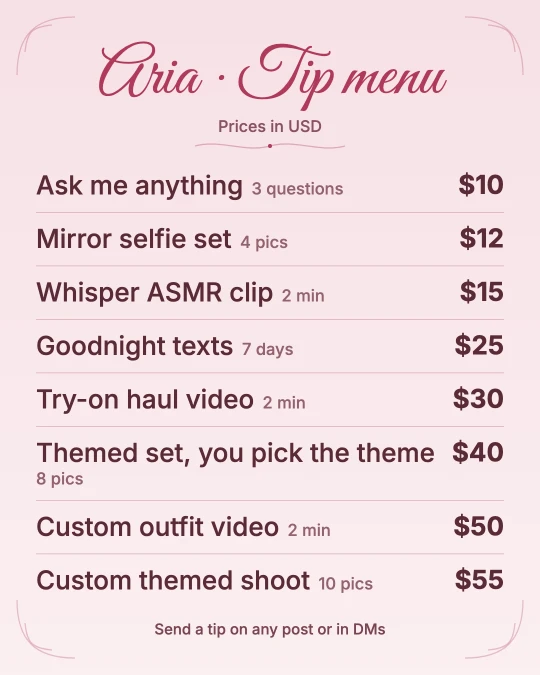
Five free tip menu templates, each drawn by the generator above. Pick one, fill in your items and prices, and save it in feed, story or square size. Every template works with or without your own photo, and the photo never leaves your device.
A good menu reads like a short shop window: a few cheap items fans can say yes to without thinking, the customs that make up most of your tips, and one premium option at the top. These are the ideas in the generator's Sweet and Flirty library, by type.
Spicier items such as ratings and explicit customs are in the generator when you choose the Spicy vibe. Keep the wording simple and clear, and only list what you will actually make.
A starter menu with eight items at the New account prices from our library. It has two quick yes items at $5, a few personal extras in the middle, and a bundle as the anchor at the top.
Paste it into the generator as a starting point, then rename the items in your own voice. Fans respond to specific items more than vague ones, so "Good morning video" beats "Video".
The range of suggested prices in each category, from the cheapest to the most expensive item we list, at each account stage.
| Category | New account | Growing | Established |
|---|---|---|---|
| Photos | $5–$30 | $8–$50 | $15–$90 |
| Videos | $8–$20 | $12–$35 | $20–$60 |
| Chat | $5–$40 | $10–$70 | $15–$120 |
| Voice notes | $5–$15 | $8–$25 | $15–$40 |
| Ratings and requests | $5–$25 | $10–$40 | $15–$60 |
| Customs | $30–$50 | $45–$75 | $75–$150 |
| Bundles and VIP | $20–$60 | $30–$100 | $50–$180 |
| Spoil me | $5–$10 | $5–$20 | $10–$30 |
Price by effort and by how personal the item is. A voice note that says a fan's name takes a minute and feels special, so it sells well at a low price. A fully custom set takes planning, so it belongs near the top.
OnlyFans, Fansly and Fanvue all set rules for what you can sell, and a tip menu is a public list of offers, so it gets read closely. The generator blocks the common problems as you type.
The checks use Vixxxen's conservative list, based on the platforms' published rules (checked October 28, 2026). It is not any platform's official list, so read each site's terms before you post. For AI accounts, our guide to whether OnlyFans allows AI content covers the extra rules.
Running an AI model? Tick "I run an AI model" in the generator. It keeps only items that suit an AI account and shows a reminder about labels. You can also add #AIGenerated to the copied text in one tap.
The OnlyFans terms say AI-generated content has to be clearly captioned, with a signifier such as #ai or #AIGenerated. The account itself still belongs to a verified person, who is responsible for everything posted on it. Our guide to AI content on OnlyFans explains the verification step.
Most creator platforms let you pin a post, so the same image works on Fansly and Fanvue too. To bring fans to the menu in the first place, read how to promote an OnlyFans, and pick a matching stage name and profile bio with our other free tools.
A tip menu is a price list of extras fans can tip for, like a custom photo set, a voice note or a rating. Creators post it as an image, pin it to their profile and paste it as text in welcome messages.
Mix a few low-price impulse items around $5 to $10, your core customs in the middle, and one premium bundle at the top. Six to ten items stay easy to read on a phone.
Start from the suggested prices for your account stage, New account, Growing or Established, and raise them as requests pick up. They are our starting points, not market data.
Yes. Generating, editing and copying the menu text are free with no account. Saving the image needs a free Vixxxen account, with no card.
No meetups or in-person services, no payments or chat on outside apps, nothing that suggests anyone under 18, and no content the platforms ban, such as family role-play or anything without clear consent.
Yes. AI content must be captioned with #ai or #AIGenerated on OnlyFans, and the account has to belong to a verified person who is responsible for it.
Use 1080×1350 for a feed post, 1080×1920 for a story and 1080×1080 for a square pinned post. The generator saves all three.
Create consistent AI characters, generate images and videos, edit the best outputs, and keep content organized for SFW and fan-site workflows.