VixxxenAI OFM Platform › Consistent AI Characters

Character Consistency

Consistent AI Characters

Character consistency is the hardest part of AI creation — and the reason most creators churn through tools. Here's how to keep the same AI character's face across every image and video, with reference-image and Face Lock workflows that don't require model training to start.

Why character consistency matters

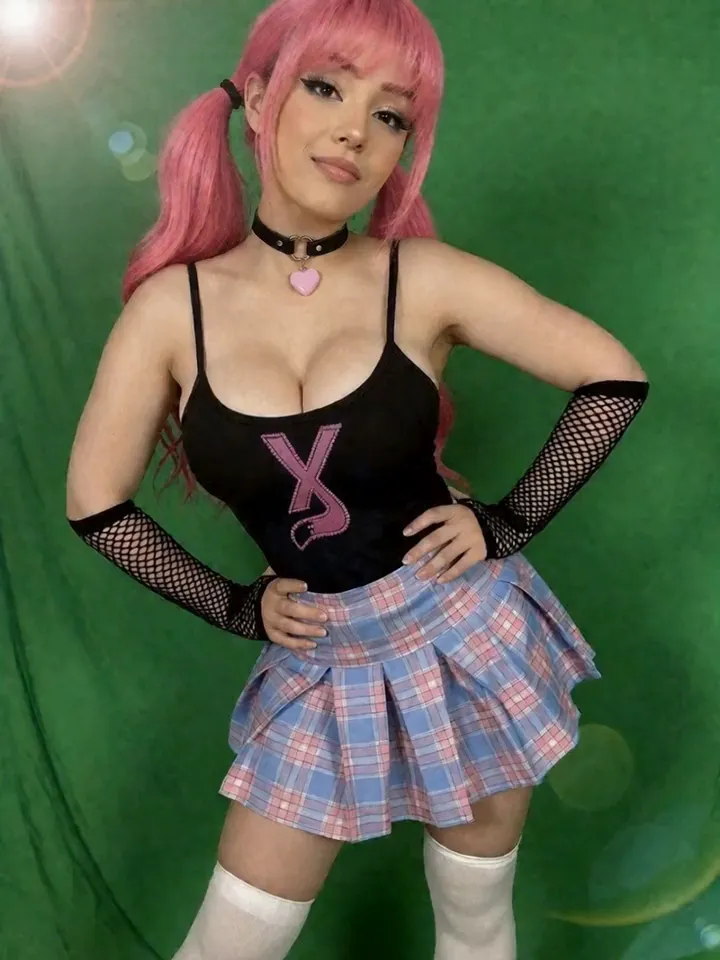
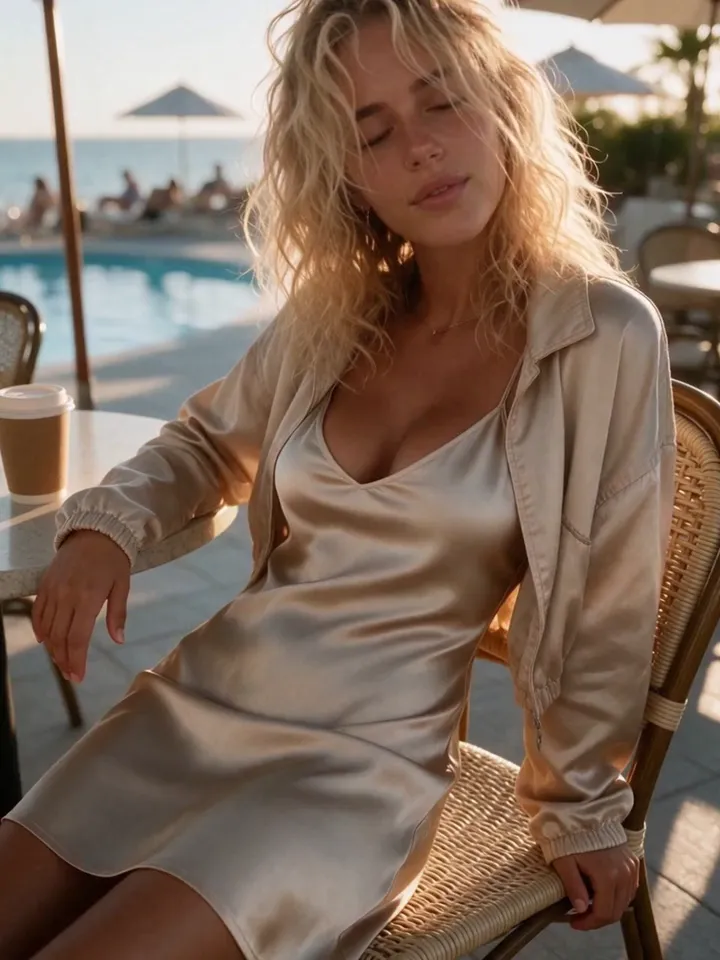
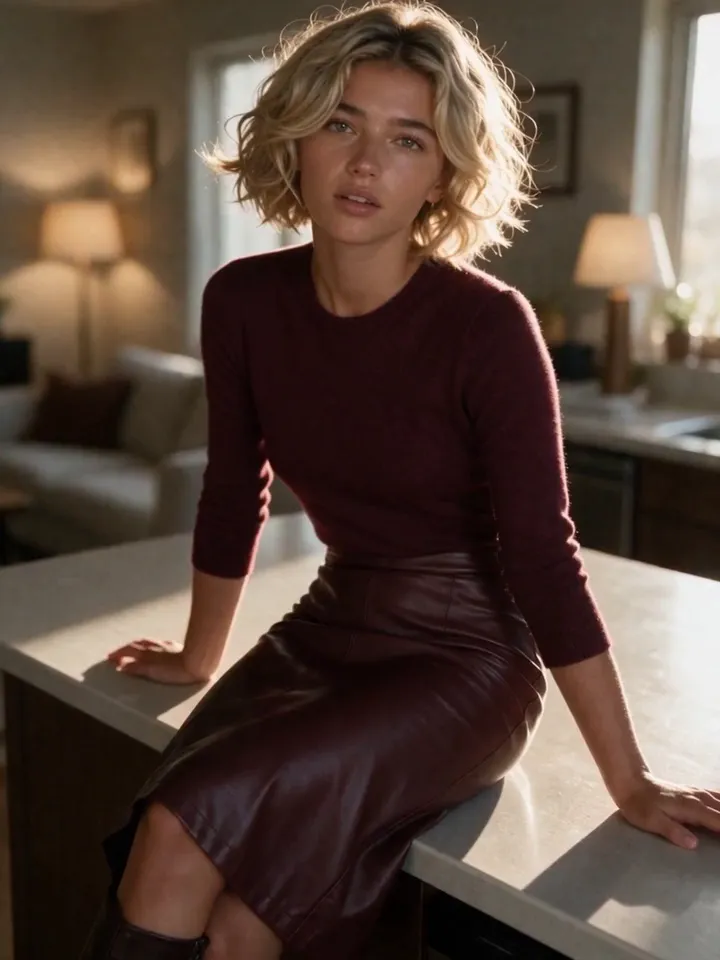
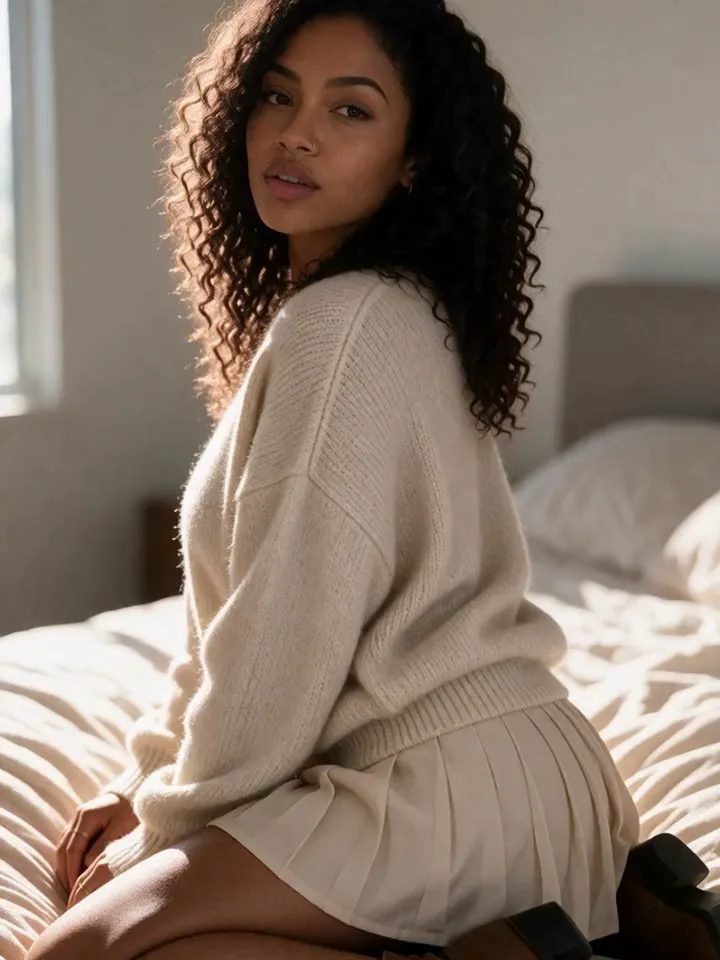
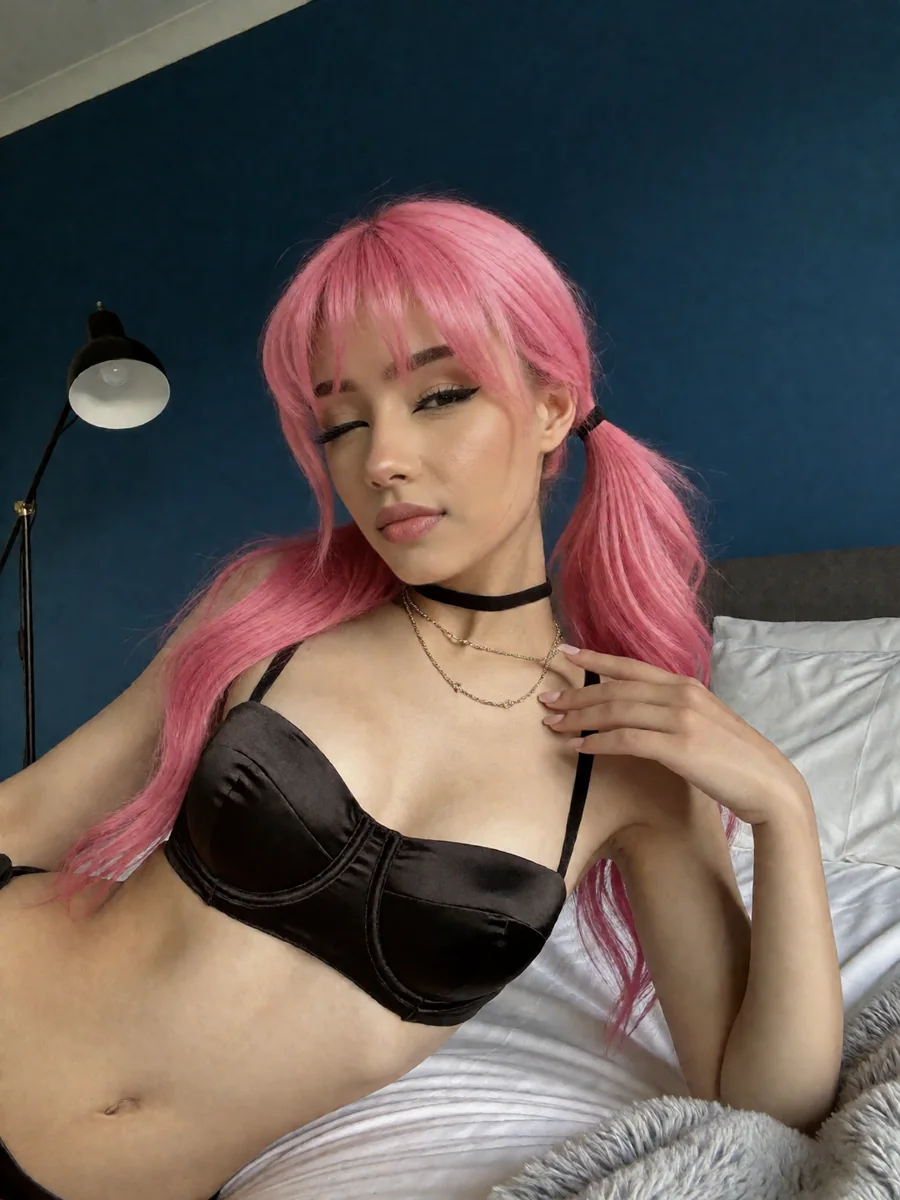
A regular AI image generator invents a new random person every time you prompt it. For an AI OFM or AI OnlyFans brand, that's fatal: fans follow a specific face. If your model looks like a different person in every post, there is no brand, no recognition, and no trust.

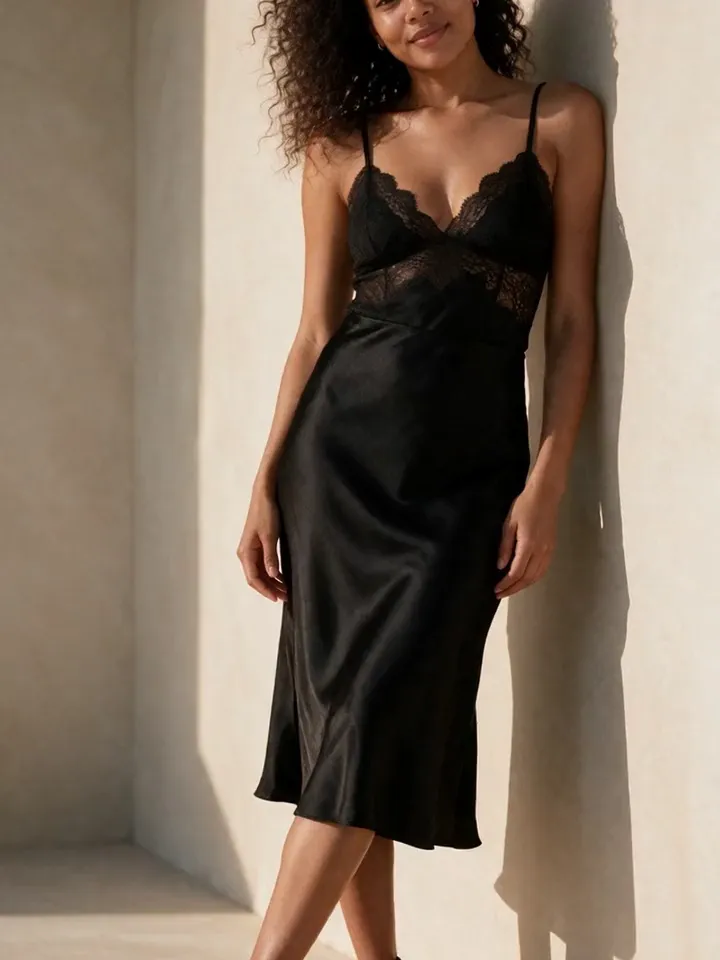
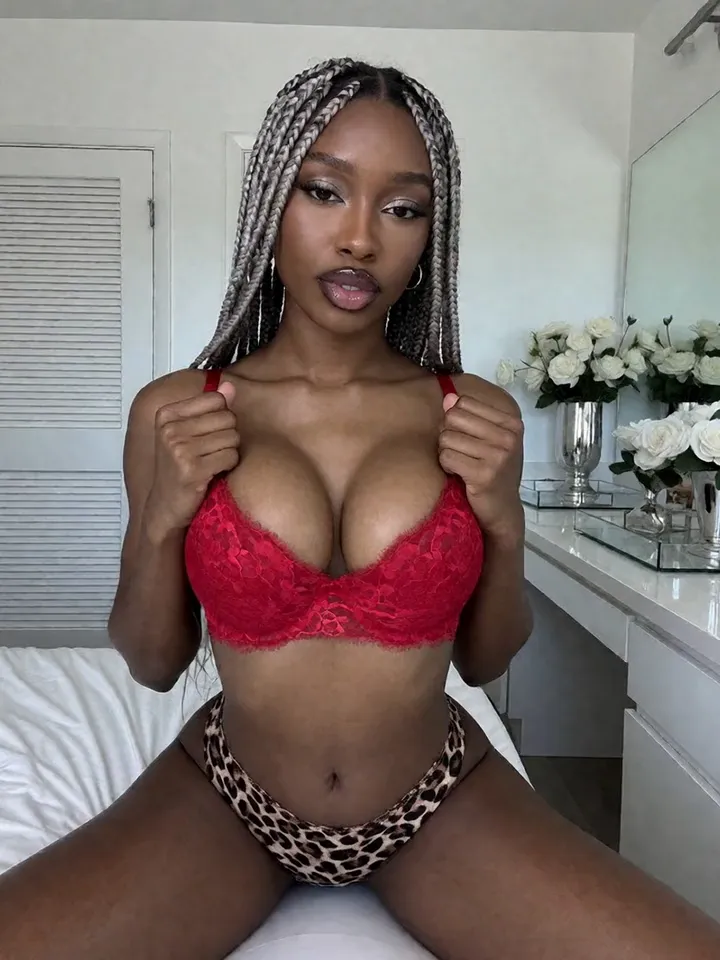
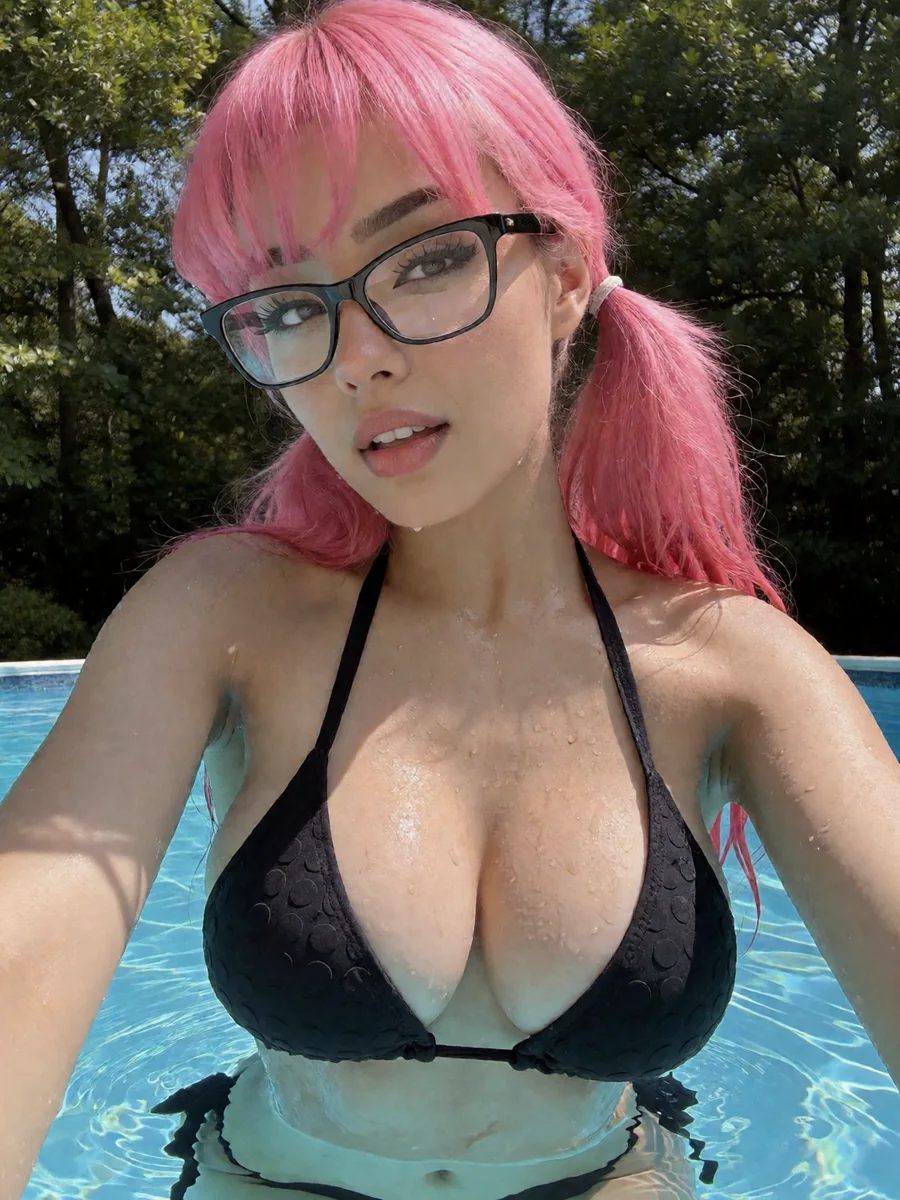
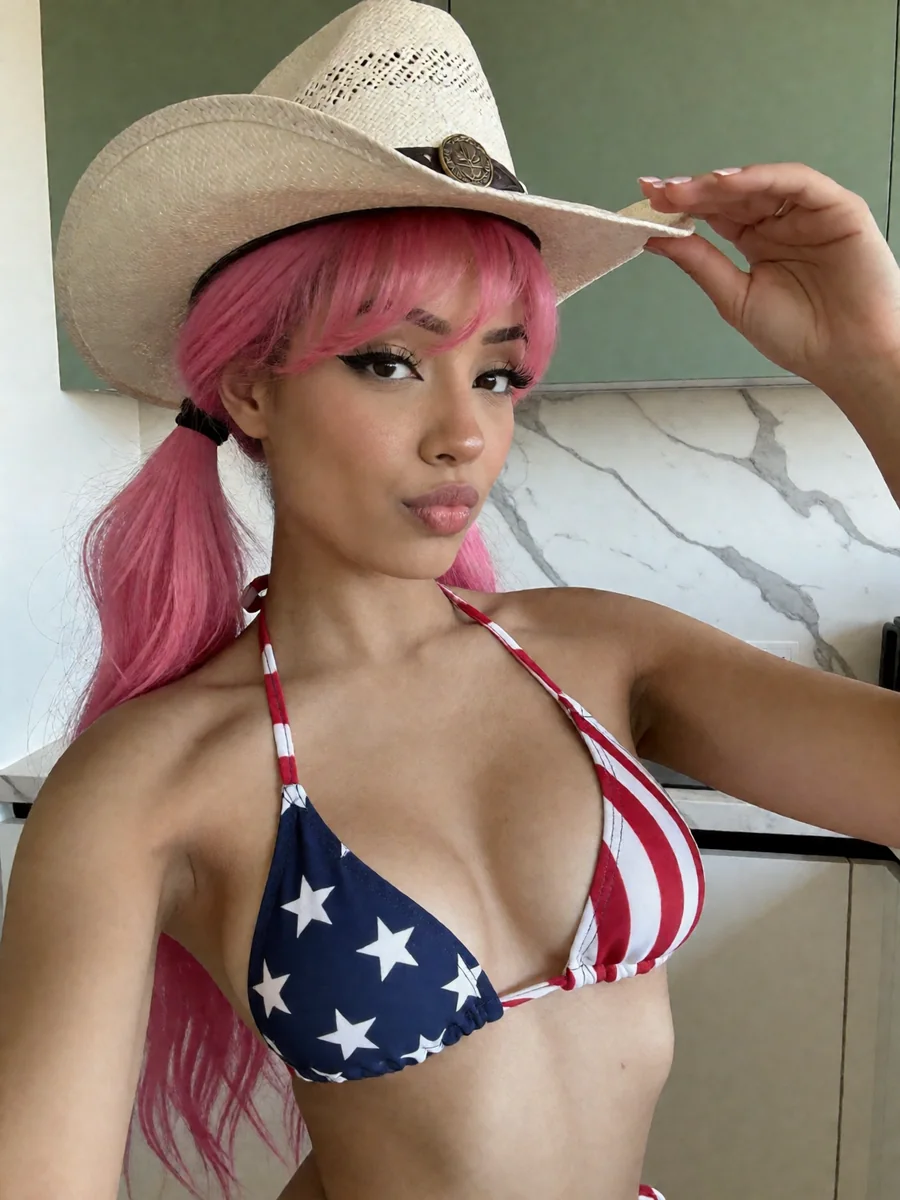
A consistent AI character generator solves this by preserving the same identity — the same facial features and proportions — across unlimited generations, even as you change pose, outfit, lighting, and scene.

How consistent AI character generation works

There are two reliable approaches, and you don't have to pick the hard one to start:

Reference image + Face Lock (start here)

Upload one or a few reference images and lock the face. The system anchors on those features and reproduces them across new prompts — no training step, instant to use.

Custom model / LoRA (optional, advanced)

For a heavily-used flagship character, training a custom model can tighten consistency further. Useful later — not a requirement to begin.

The key shift: stop describing the face in your prompt (text drifts every generation) and instead let the reference define identity while your prompt controls everything else — pose, wardrobe, setting, mood.

The consistent-character workflow in Vixxxen

1Set your reference

Start from reference images of your character or digital twin. A clear, well-lit front-facing shot is the strongest anchor.

2Apply Face Lock

Lock the identity so it holds across angles, outfits, and scenes instead of drifting between generations.

3Generate variations

Prompt for new poses, wardrobe, and locations — SFW lifestyle shots and NSFW sets alike — while the face stays the same person.

4Carry the character into video and edits

Send the same locked character into AI video and into inpainting/editing so clips and touch-ups stay on-model.

5Save it to your library

Store the character so every future drop stays recognizable — the foundation of a real fan-site brand.

Common consistency mistakes

Frequently asked questions

How do you keep an AI character consistent?

Use a reference image plus a face-lock workflow that preserves the core facial features across generations, instead of re-describing the face in each prompt. The same person then appears across poses, outfits, scenes, video, and edits.

Do I need to train a LoRA?

Not to start. Reference-image and Face Lock workflows give consistent results from one or a few images with no training. A custom model can add tighter consistency later for a flagship character, but it's optional.

Can I get a consistent character from a single photo?

Yes. Modern workflows can lock onto a face from one strong reference and reproduce it across new prompts. More angles help robustness, but one is enough to begin.

Does it work for video?

Yes. In Vixxxen the same locked character drives AI video as well as images, so your model stays recognizable across sets and clips.

Keep reading

Lock in your AI character

Create a free account to set a reference and Face Lock your first character, or join the Discord for examples and feedback.