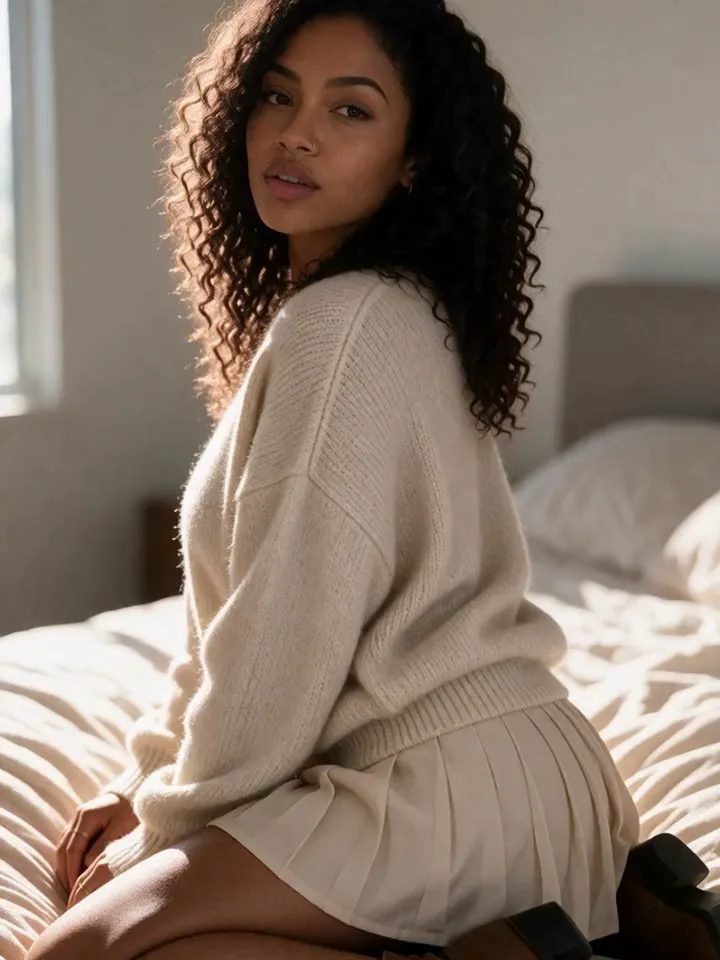
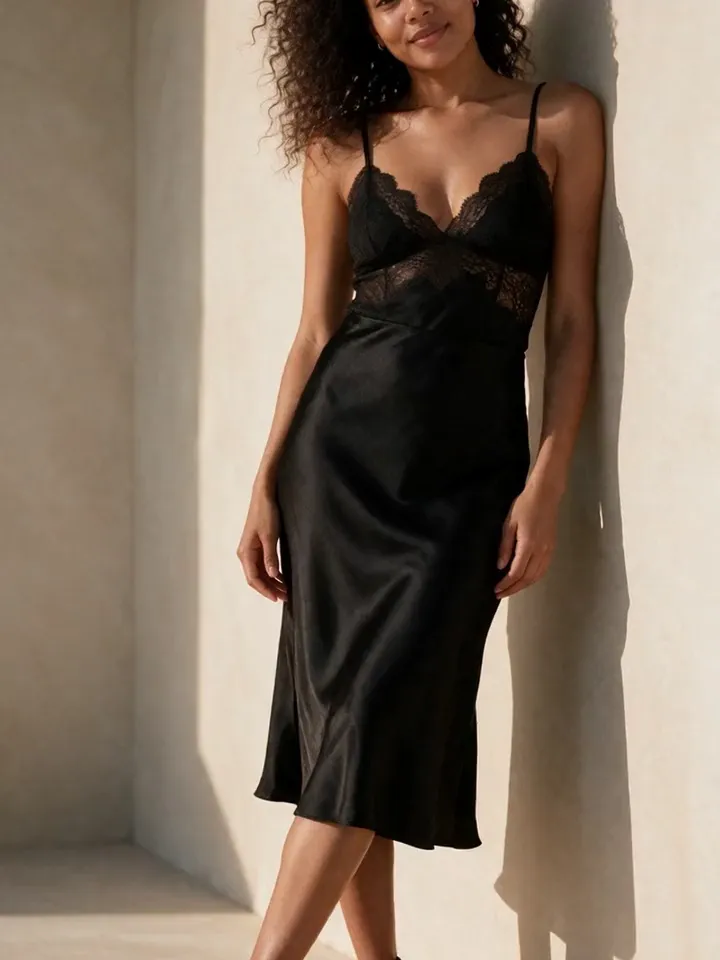
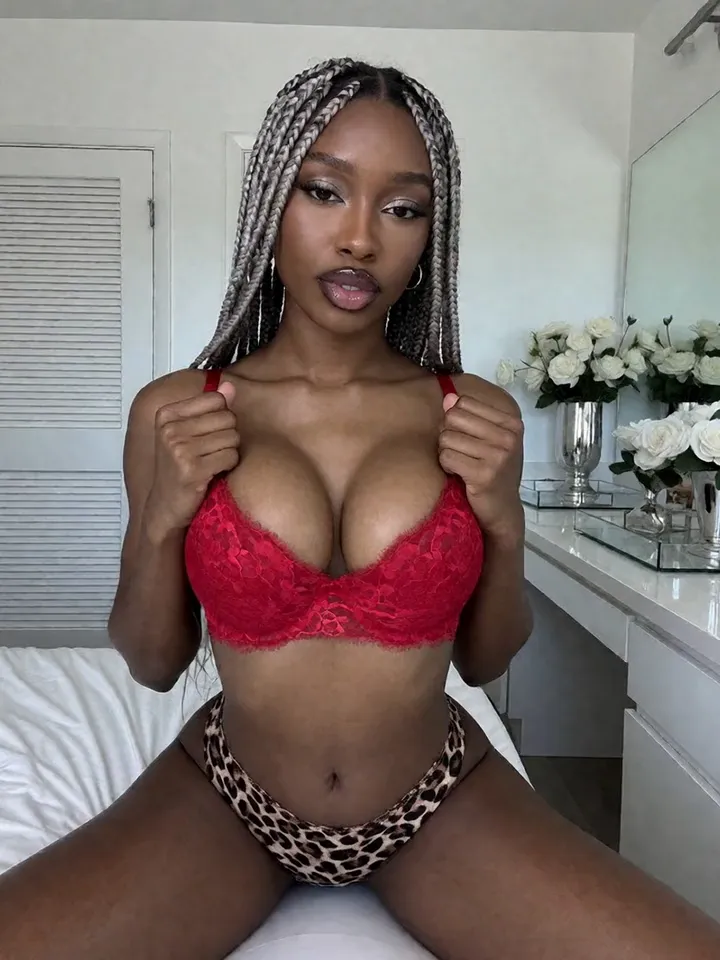
AI video works best when it starts from a strong character image. Vixxxen helps creators move from consistent stills into short clips for social teasers, fan-site content, and campaign assets.
Vixxxen supports AI video workflows through models such as Seedance, Kling, Veo, VIXN-1 Video, and Motion Control where available.
The platform is built to connect still-image consistency with short-form motion content.
The best AI model videos start with good stills
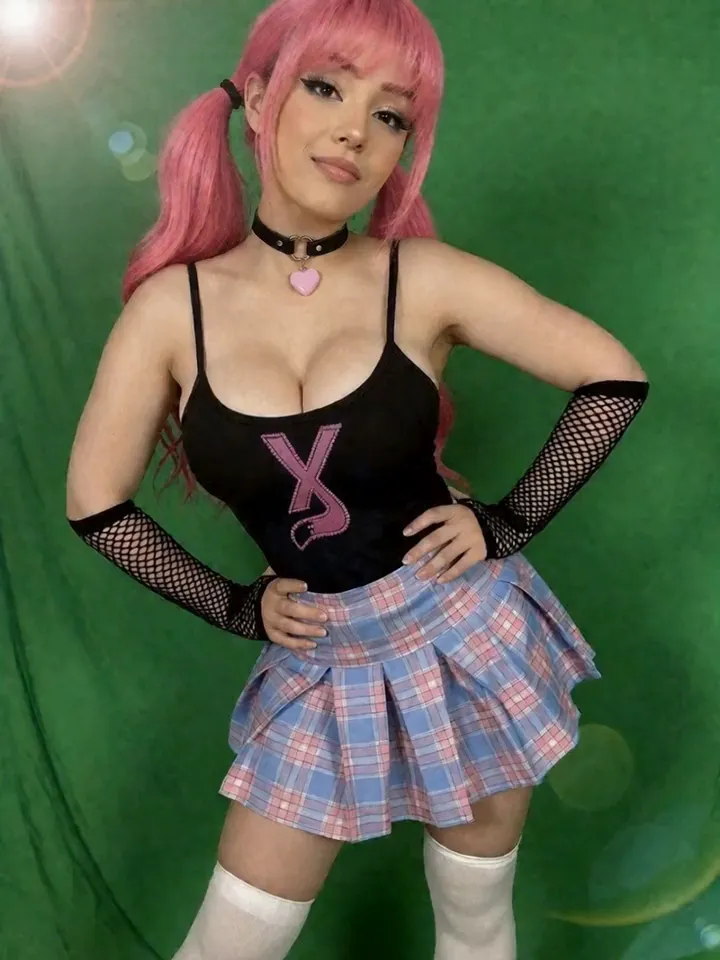
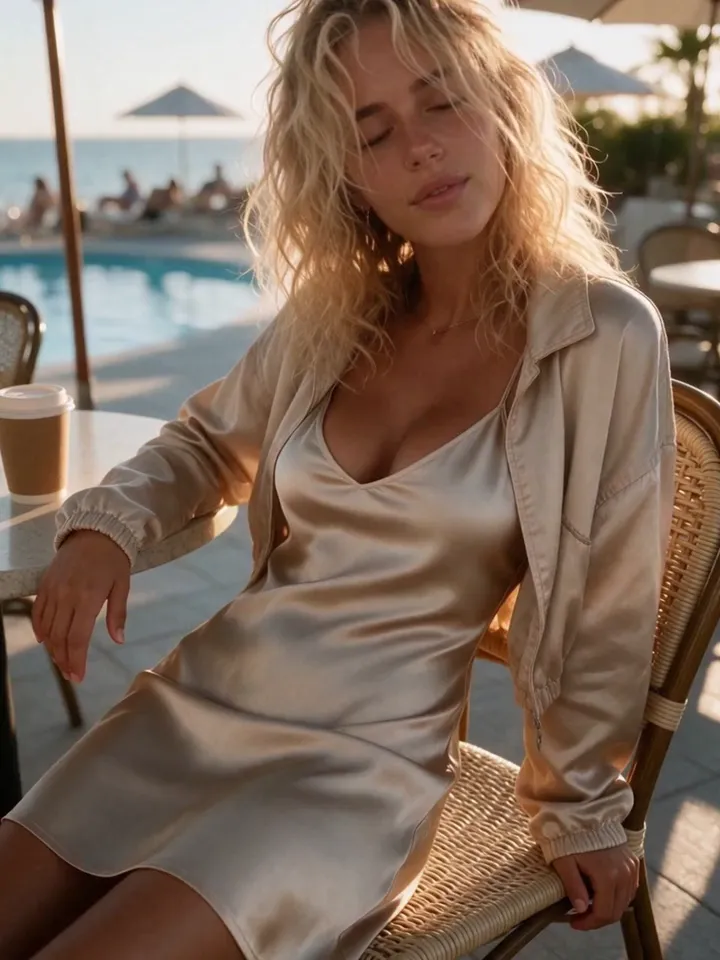
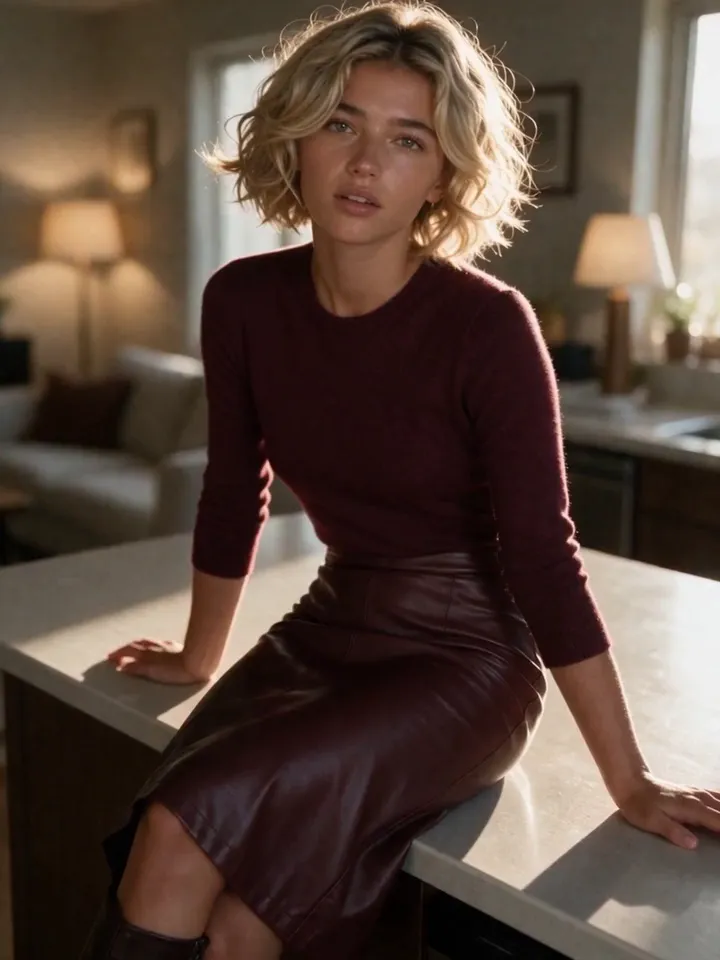
If the source image does not look like the character, the video will not fix it. The cleanest workflow is to create a strong still image first, save it, then use image-to-video or start-frame tools to animate the same identity.
This is why Vixxxen pairs image generation, reference workflows, and video tools in the same creator workspace.
Generate or select a strong character image.
Use it as the start frame when the chosen video model supports it.
Keep motion prompts simple and physically plausible.
Save the best videos to the same library as the source image.
Where video fits in AI OFM
Video is useful for social proof, teasers, premium clips, and content variety. It does not replace image sets; it extends the same character brand into motion.
Short clips are often easier to control than long ones. A realistic production loop is to create many short, focused videos from the best images rather than trying to generate a long scene all at once.
Use subtle movement for realistic social posts.
Use stronger motion for campaign-specific clips.
Keep the character, outfit, and environment aligned with the image set.
Review videos for identity drift before publishing.
Vixxxen video models
Vixxxen routes video work through multiple model families so creators can choose based on quality, speed, prompt fit, and available features. Model availability can change, but the platform goal is stable: help AI creators produce usable motion content from consistent characters.
Frequently asked questions
Can Vixxxen generate AI model videos?
Yes. Vixxxen supports AI video workflows for creator content, including image-to-video and model-specific start-frame options where available.
Which AI video models does Vixxxen use?
Vixxxen supports video through models such as Seedance, Kling, Veo, VIXN-1 Video, and VIXN-1 Motion Control, depending on availability and account access.
How do I keep an AI model consistent in video?
Start from a strong consistent image, use that image as the video source or start frame, keep motion simple, and review the clip for identity drift before publishing.