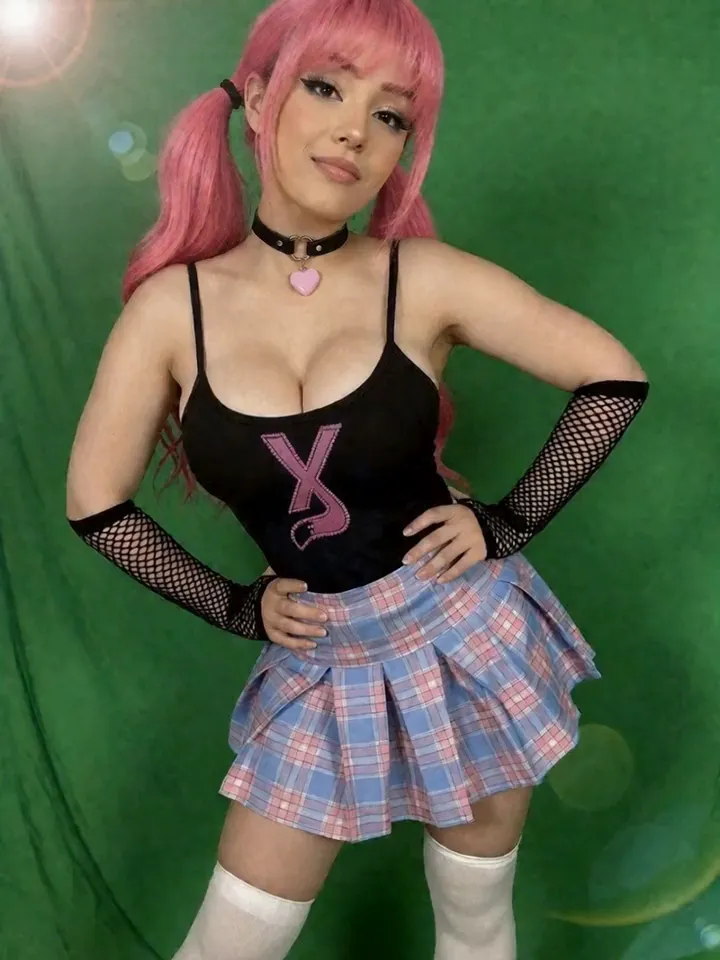
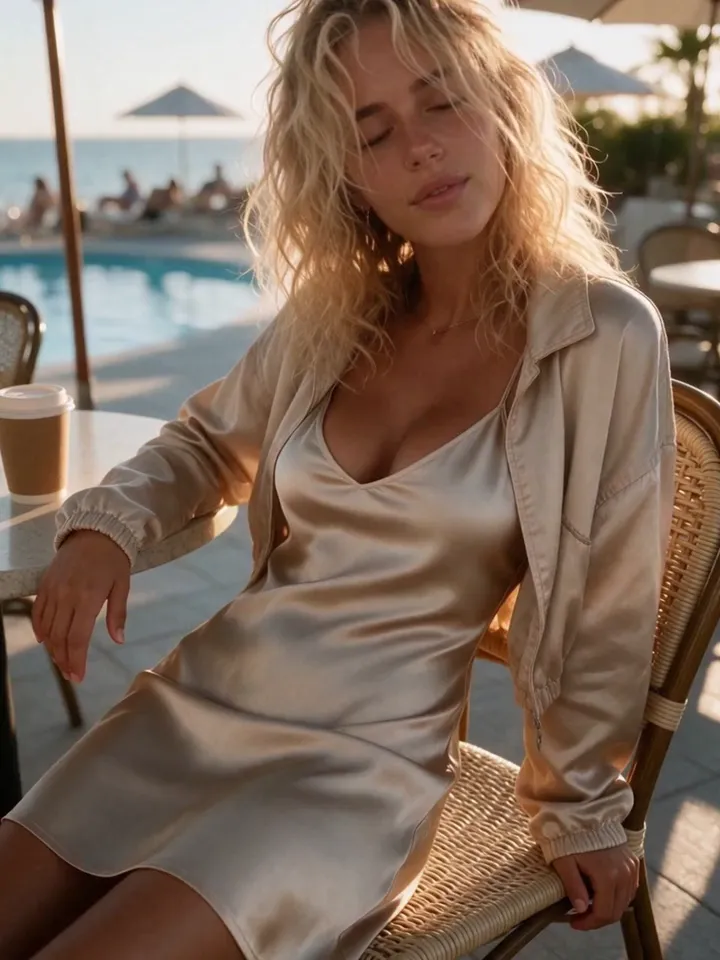
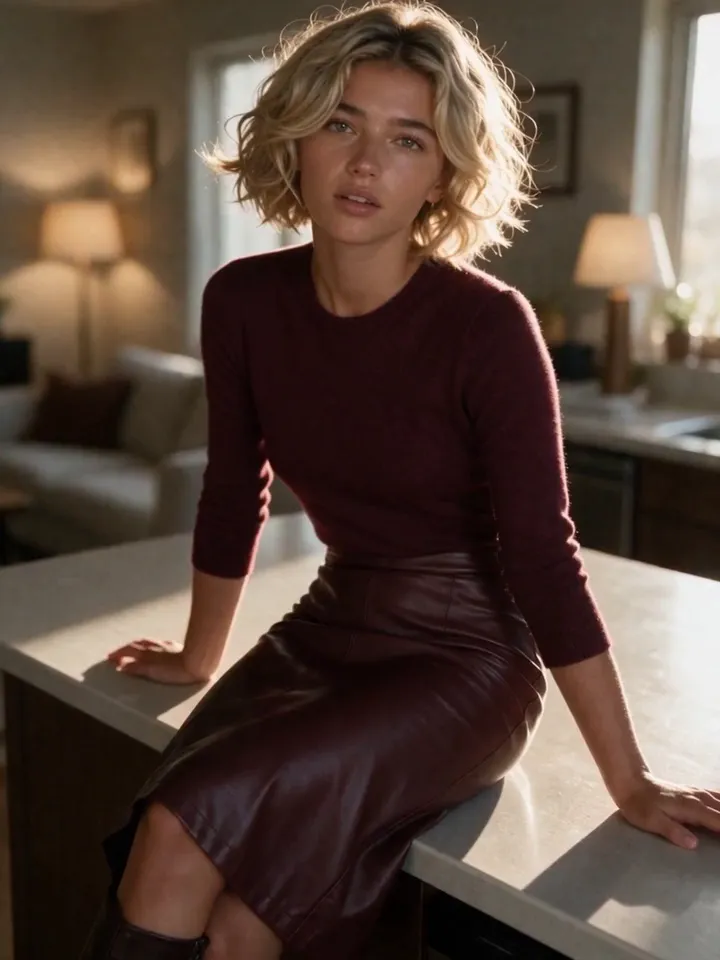
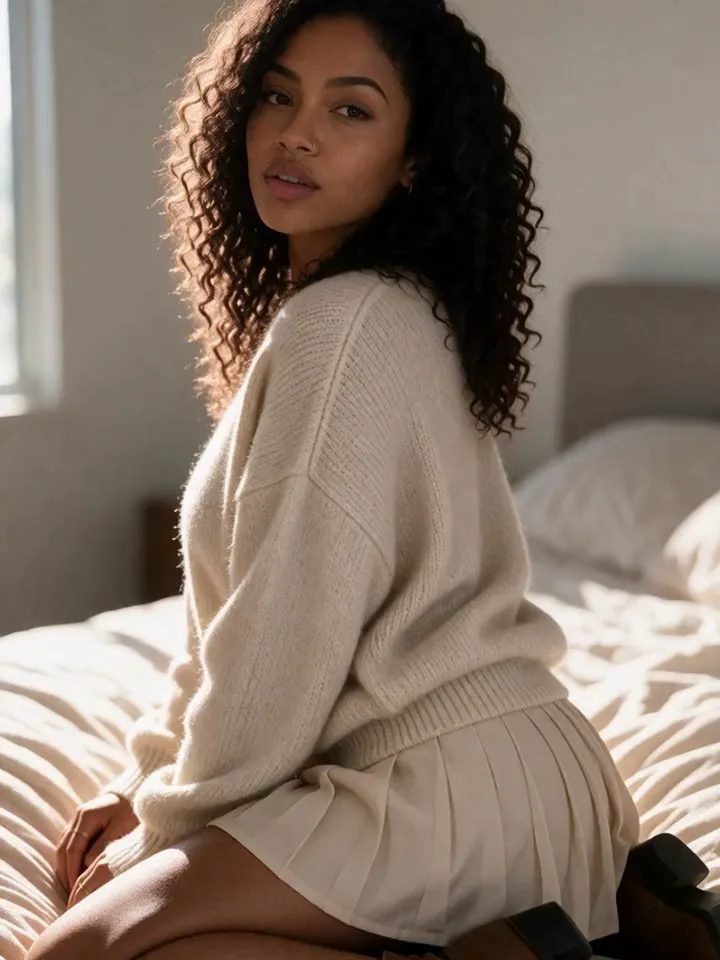
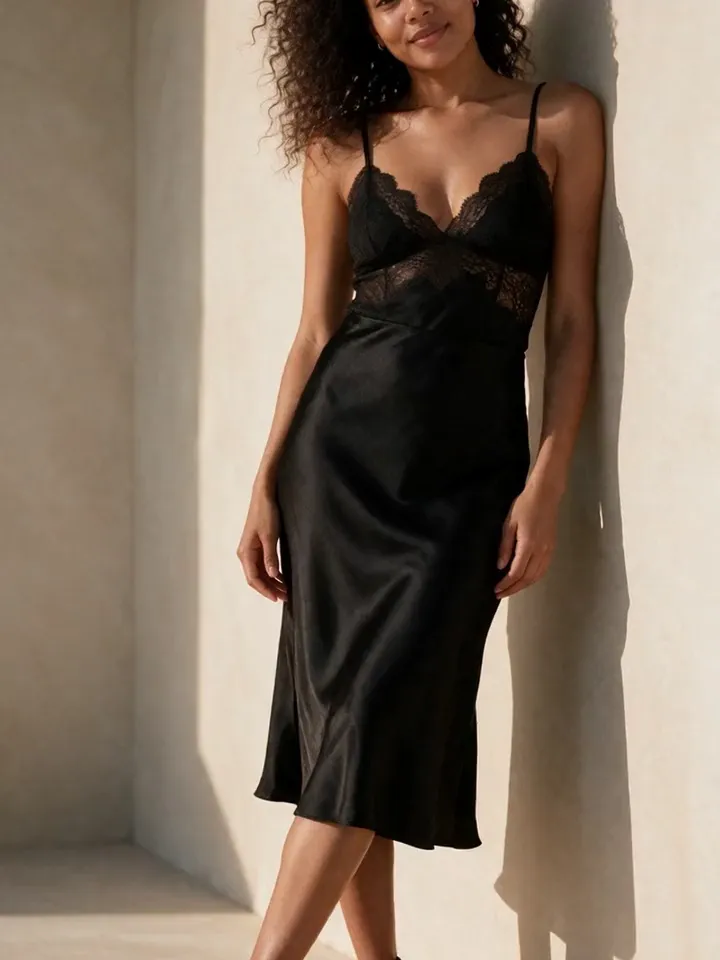
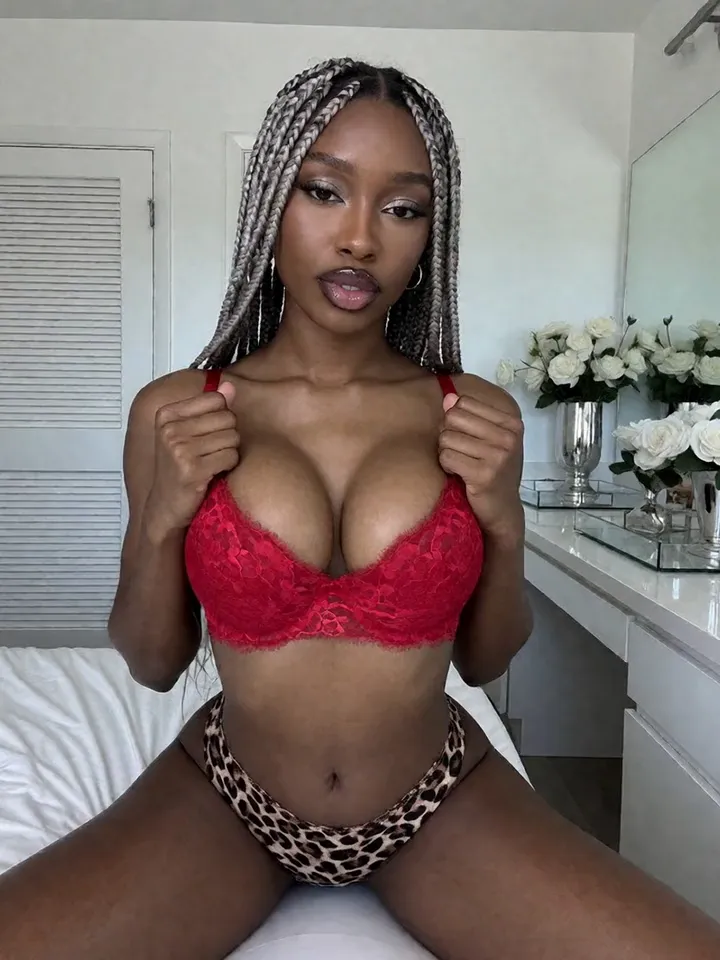
FaceLock + character LoRAs
Choose the identity method that fits the model instead of forcing one reference trick onto every generation.
The business is not one lucky generation. It is one fictional character that remains recognizable across public discovery posts, premium sets, short videos, edits, and repeat campaigns. Vixxxen puts that production system in one workspace.
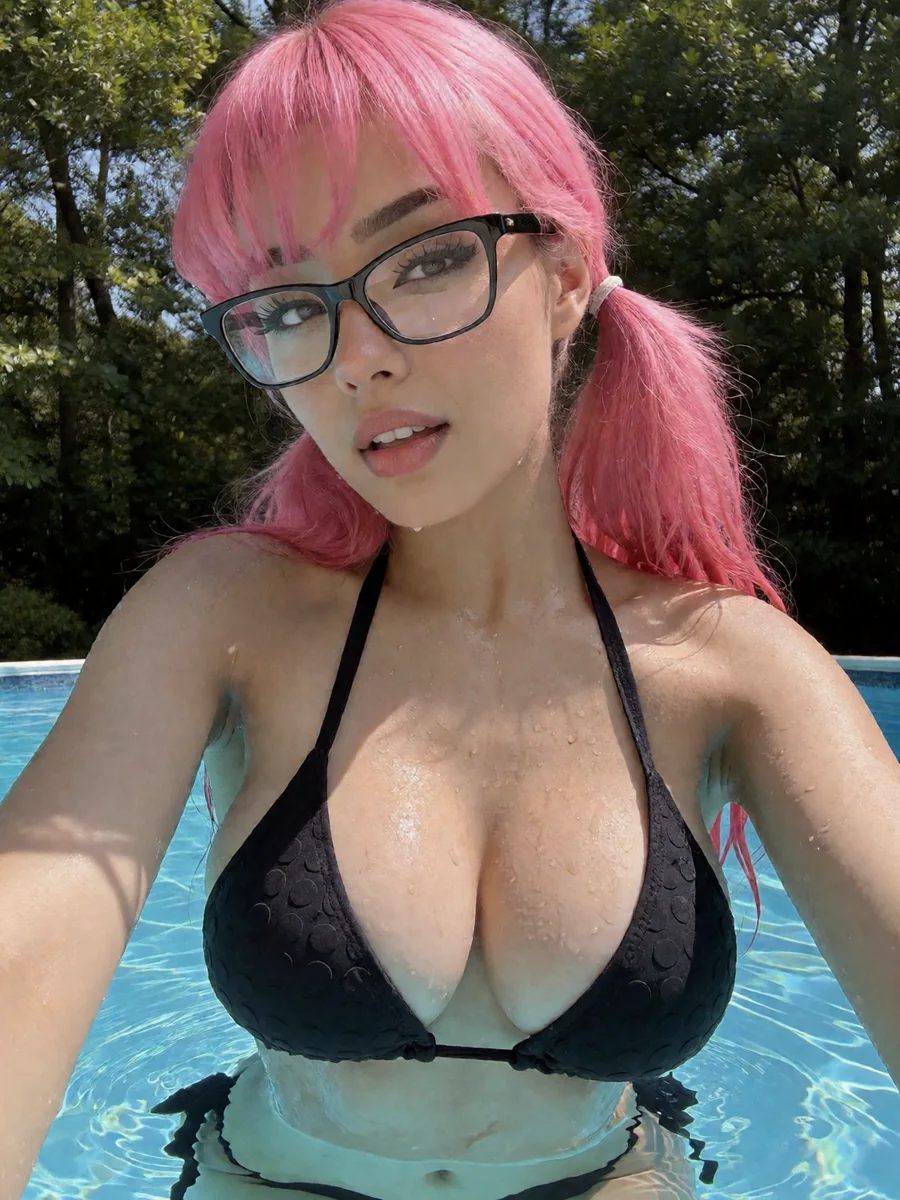
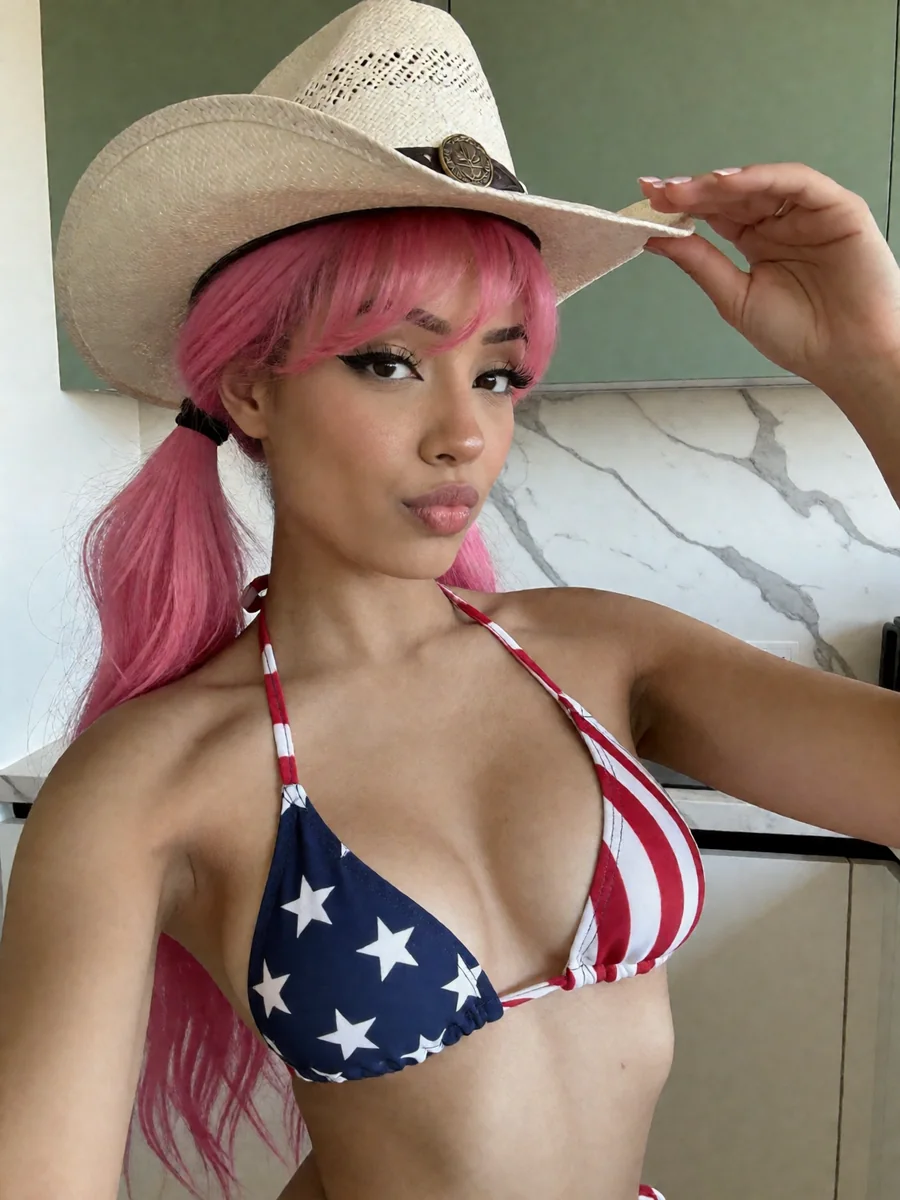
Quick answer
The short version of how to make an AI OnlyFans model, before the full workflow below.
Use a character LoRA (VIXN-1/VIXN-2) or FaceLock references with a reference-capable model such as Seedream or Nano Banana.
Create a batch of public-safe and premium images from the same locked identity.
Animate approved stills and repair near-misses in the built-in image and video editors.
Add the required AI disclosure, confirm the account is owned and verified by a real human, then publish.
The complete production system
Random generators make isolated files. A creator business needs identity, production lanes, repair tools, organization, and a repeatable review process.
Choose the identity method that fits the model instead of forcing one reference trick onto every generation.
Create public lifestyle assets and premium campaign content without moving the character between disconnected tools.
Animate proven source images and keep the strongest motion outputs connected to the campaign.
Inpaint, remove objects, expand, crop, add text, and refine a useful result instead of paying for another blind reroll.
Trim, split, reorder, change speed, add audio and transitions, then export without a separate editing handoff.
Save approved outputs, source frames, character references, and campaign assets where the next batch can use them.
The model stack
Character consistency comes from a controlled identity system, not from adding an unlimited pile of reference images.
Use a compatible custom or marketplace character LoRA with VIXN-1 or VIXN-2 when the character needs a reusable trained identity.
Use clear approved face references with compatible models for flexible scene direction, then repair valuable near-misses in the editor.
Character to campaign
Each step creates a reusable output for the next one. That is what turns generation into a system.
Define the fictional adult identity, face, styling, voice, audience, public lane, premium lane, and hard boundaries.
Use a trained character LoRA for compatible VIXN models or approved FaceLock references for reference-capable models.
Create profile images, lifestyle posts, fashion looks, teasers, and short motion assets that establish the same character publicly.
Generate a planned set with consistent scene, wardrobe, framing, preview assets, and approved final outputs.
Start video from a still that already passes identity and quality review, then use a focused motion prompt.
Repair strong near-misses, finish clips, save source records, and check the destination platform's current disclosure and content rules.
No extra software handoff
More generation is not always the best answer. When the identity and composition are already strong, editing preserves the valuable parts.
Take a strong output from generation to campaign-ready without opening a Photoshop-style application.
Turn raw model output into a clean short-form clip inside the same creator workspace.
Why the system matters
| Need | Random generator | Vixxxen workflow |
|---|---|---|
| Recognizable character | Identity is re-invented on each prompt. | Character LoRA or FaceLock source is chosen before scaling. |
| Public and premium lanes | Files are generated without campaign context. | SFW discovery and premium content use the same character system. |
| Near-miss repair | Reroll and lose the parts that worked. | Edit the useful output in the built-in image editor. |
| Short-form motion | Export to another product and rebuild context. | Generate video, edit the timeline, and export in one workspace. |
| Production memory | Loose downloads and forgotten prompts. | Keep references, source frames, edits, and final assets organized. |
| Publishing responsibility | Generation is treated as platform approval. | Final platform, disclosure, consent, and safety review remains explicit. |
Clear product boundary
For the current caption rule, read Does OnlyFans allow AI content? For third-party generation-tool restrictions, use the AI tool policy evidence archive.
OnlyFans policy
OnlyFans is a separate platform from Vixxxen. Read its current Terms before publishing; this is a summary, not legal advice.
Read the OnlyFans Terms for the current, complete rule. See also the full walkthrough at Does OnlyFans allow AI content?
Questions before credits
AI OnlyFans is a common term for a fan-site creator workflow built around a fictional AI character. A complete workflow includes consistent identity, public discovery content, premium sets, short video, editing, asset organization, and a platform-policy review.
Yes. OnlyFans' current Terms permit compliant AI-generated content and require it to be clearly and conspicuously captioned as AI-generated with a signifier such as #ai or #AIGenerated. A real human must own and verify the creator account.
Vixxxen supports two identity lanes. VIXN-1 and VIXN-2 can use compatible character LoRAs. Reference-capable models such as Seedream and Nano Banana can use FaceLock reference images. Approved outputs can then be edited and saved for future campaigns.
Yes. The image editor handles tasks such as inpainting, object removal, cropping, expansion, and text. The video editor supports trimming, splitting, reordering, speed, audio, transitions, preview, and export.
No. Vixxxen is the character and content production workspace. The user reviews the destination platform's current rules, adds required disclosure, and makes the final publishing decision.
Some AI creator brands monetize, but no tool can guarantee income. Results depend on audience, positioning, content quality, retention, pricing, platform fit, and responsible operations.
The best OnlyFans AI tool is the one that covers the full workflow, not just image generation: consistent character identity, SFW and NSFW production, editing, video, and asset organization. Vixxxen is built as an AI OnlyFans model generator and production workspace for that full loop.
#AIGenerated (or #ai) is the caption signifier OnlyFans' current Terms require on AI-generated posts, so subscribers can tell the content was AI-made. The uploading account must still be owned and verified by a real human.
One workspace
Start with identity, create public and premium campaigns, add motion, edit the winners, and keep the production memory inside Vixxxen.