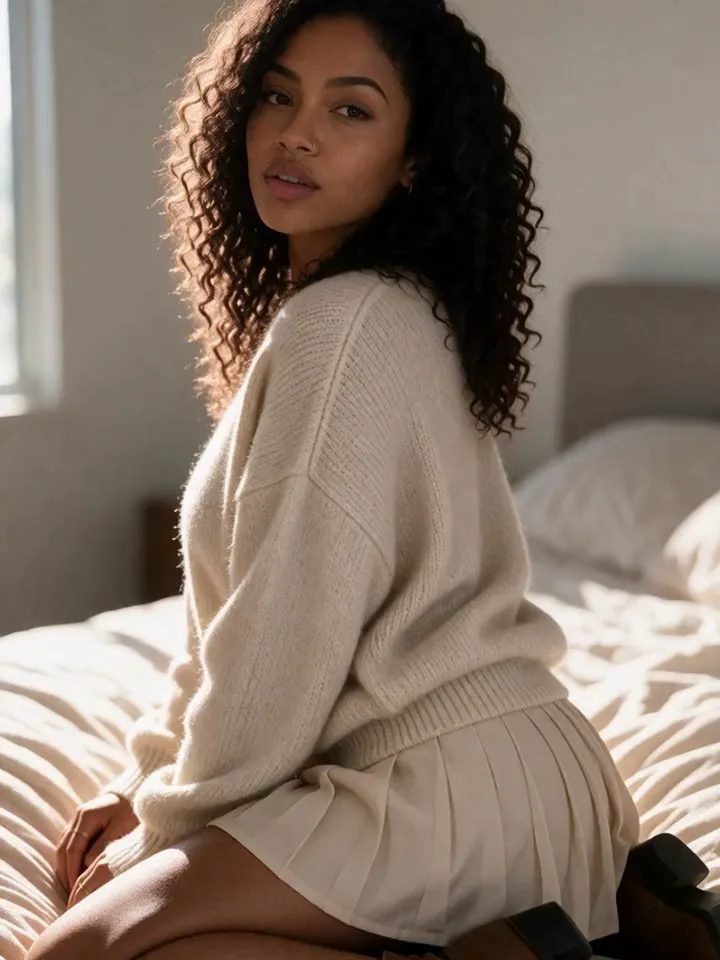
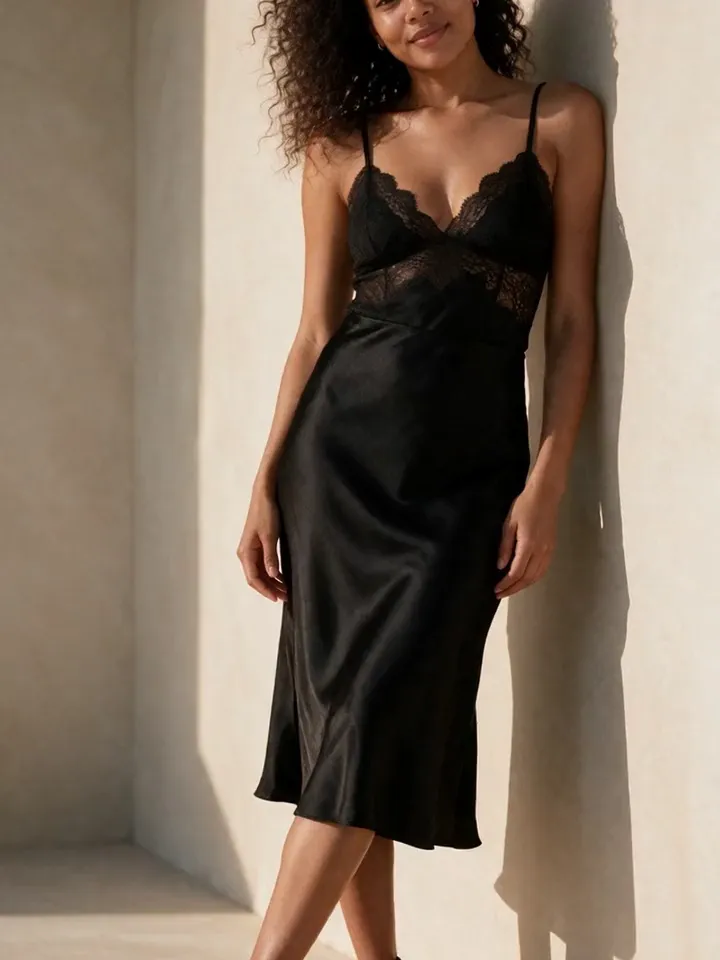
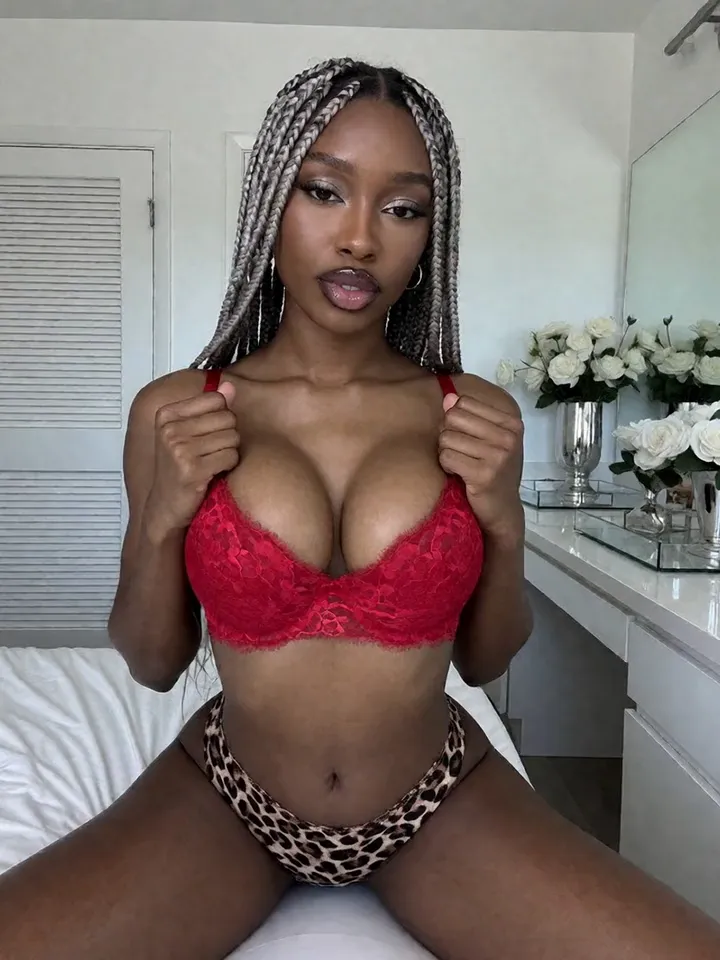
The most reliable AI model videos usually start with a strong still image. Vixxxen helps creators generate the still, animate it, review for identity drift, and keep the finished clip organized.
Vixxxen connects image generation, references, video models, and saved assets so creators can move from stills to short clips.
Image to Video workflow essentials
For AI OFM and virtual influencer workflows, image-to-video is practical because the creator can choose a still image that already matches the character before spending credits on motion.
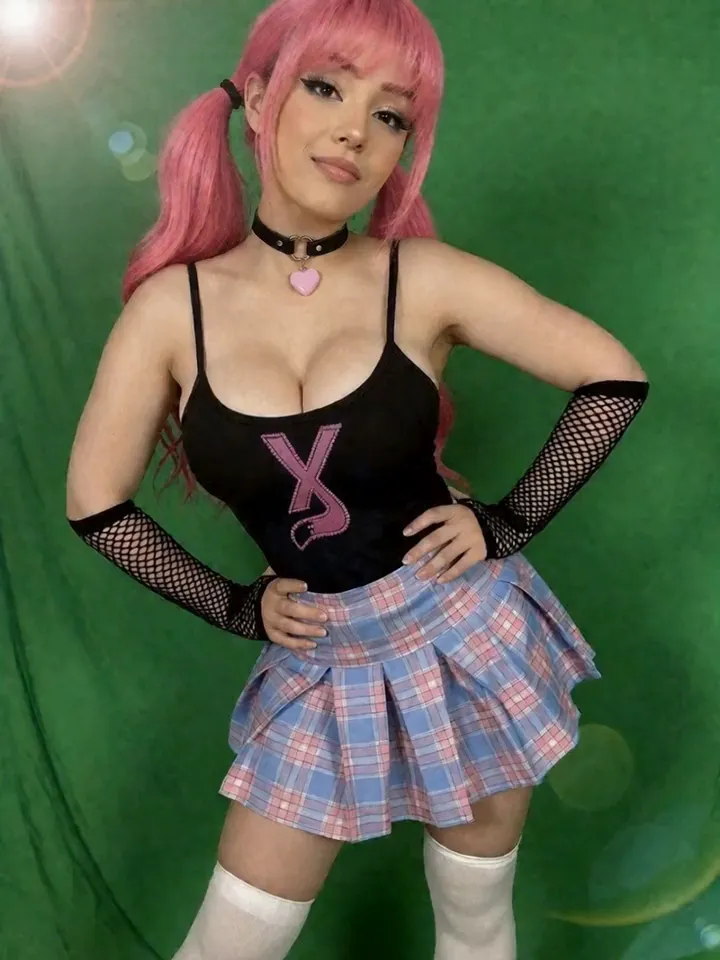
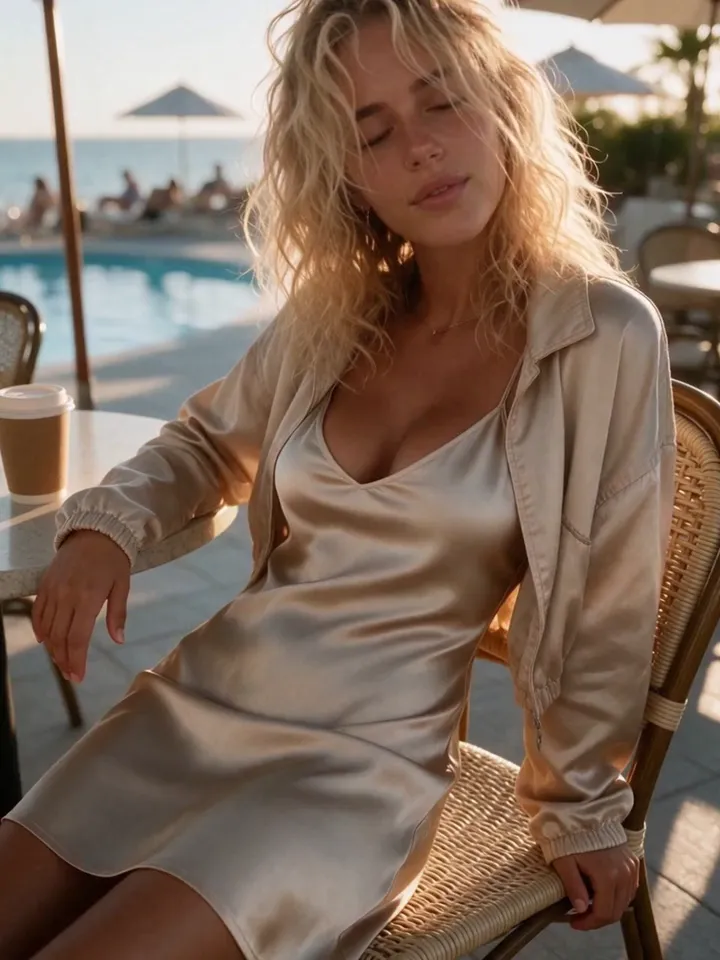
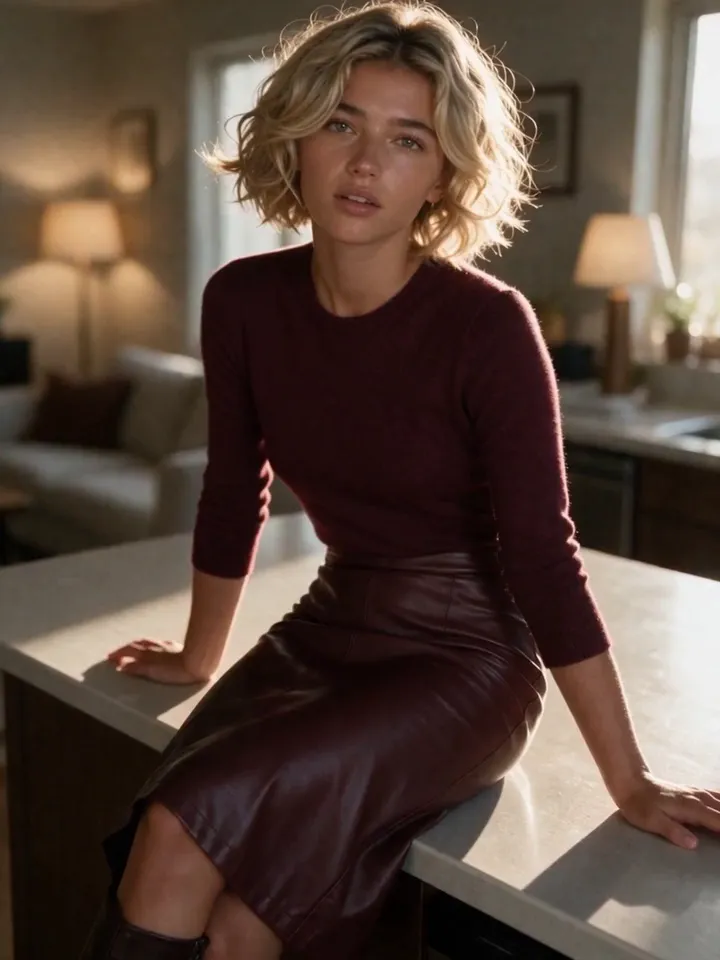
Start from a still image that already matches the model.
Use short, focused motion prompts.
Avoid asking the video model to change too many things at once.
Reject clips where the face, hair, or body identity drifts.
Vixxxen workflow for image to video
Generate a high-quality image first, then use it as the source or start frame. Keep the motion prompt simple, realistic, and tied to what is visible in the image.
Create the source image in Vixxxen.
Save it to the character library.
Run image-to-video or start-frame generation where supported.
Keep final clips with the source still for future reference.
Before you publish
Video outputs should be reviewed carefully before publishing because motion can introduce identity drift, visual artifacts, or platform-sensitive content.
Frequently asked questions
Can Vixxxen turn AI model images into video?
Yes. Vixxxen supports AI video workflows, including image-to-video or start-frame options where the selected model allows them.
Why start with an image instead of text-to-video?
A strong image anchors the model identity. That gives the video model a better chance of preserving the same face, outfit, and environment.
How long should AI model videos be?
Short focused clips are usually easier to control. Start with simple motion and review every clip before using it in a campaign.