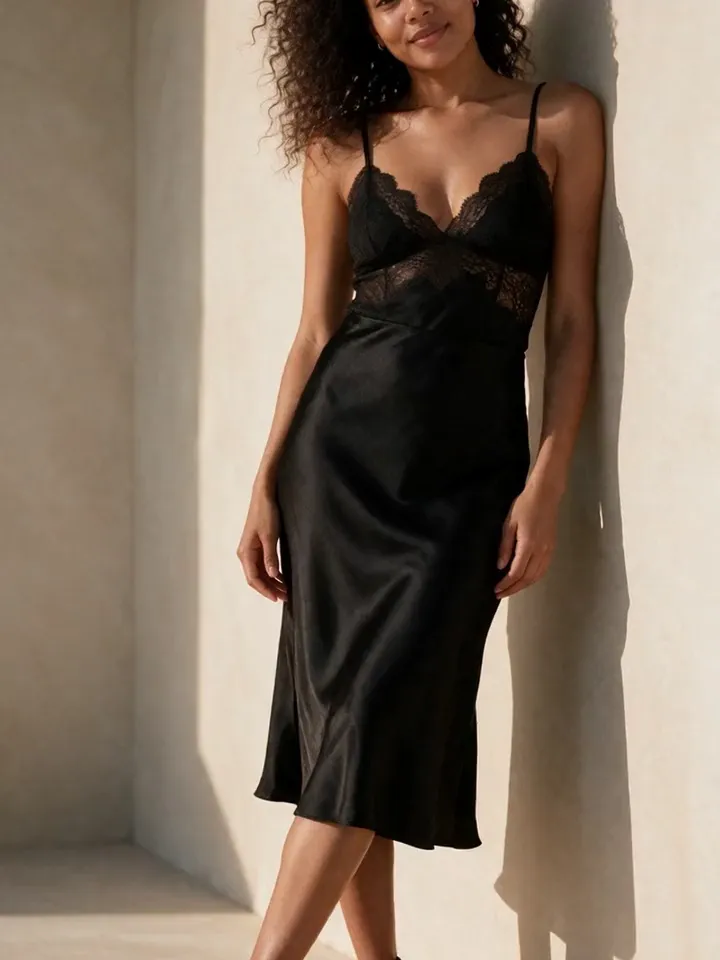
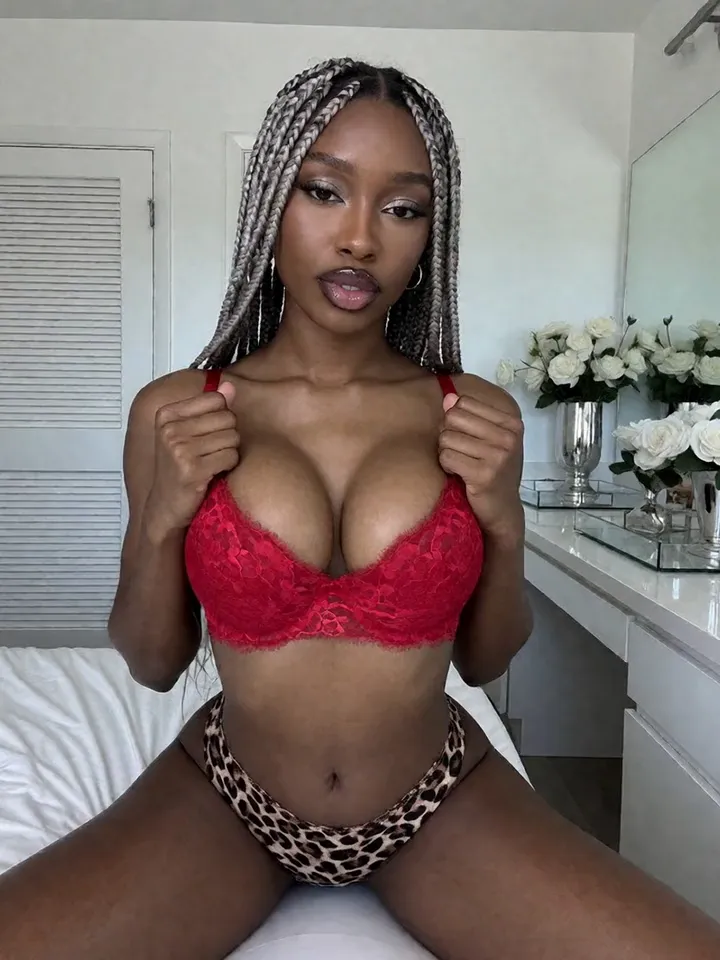
If you are a creator trying to make an AI version of yourself, the workflow starts with permission-based reference photos. Vixxxen helps turn those references into a consistent visual model for images, video, edits, and organized content sets.
Vixxxen is built for permission-based references, consistent creator likenesses, image generation, video, edits, and saved assets.
Photo to AI Model workflow essentials
Vixxxen fits when references are used responsibly to guide a fictional or permission-based creator likeness, then create new scenes around that identity without starting from scratch every time.
Use your own creator photos or fully permissioned reference images.
Generate new content while preserving face, hair, style, and persona cues.
Use Face Lock style workflows to reduce identity drift.
Save approved images as stronger future references for the next content set.
Vixxxen workflow for photo to ai model
Choose clear reference images you have the right to use, establish a baseline look, generate controlled variations, edit the best results, and save approved outputs as future reference material.
Start with clean front-facing and three-quarter references.
Keep the creator identity language consistent across sessions.
Change one major scene detail at a time: outfit, pose, setting, or lighting.
Review outputs for unwanted likeness issues, artifacts, and platform fit.
Before you publish
Do not create or publish content using someone else likeness without permission. Photo-to-model workflows should be creator-owned, consent-based, adult-only where relevant, and platform-compliant.
Frequently asked questions
Can Vixxxen create an AI model from a photo?
Vixxxen supports reference-based workflows that can guide fictional or permission-based creator model creation when the user has appropriate rights and consent.
Can I make an AI version of myself from my own photos?
Yes. Vixxxen is a good fit for creators who want permission-based AI versions of themselves for visual content workflows.
Can a reference photo help with consistency?
Yes. Clear references can help preserve face, hair, styling, and character identity across new generations, especially when combined with consistent prompts and saved winners.