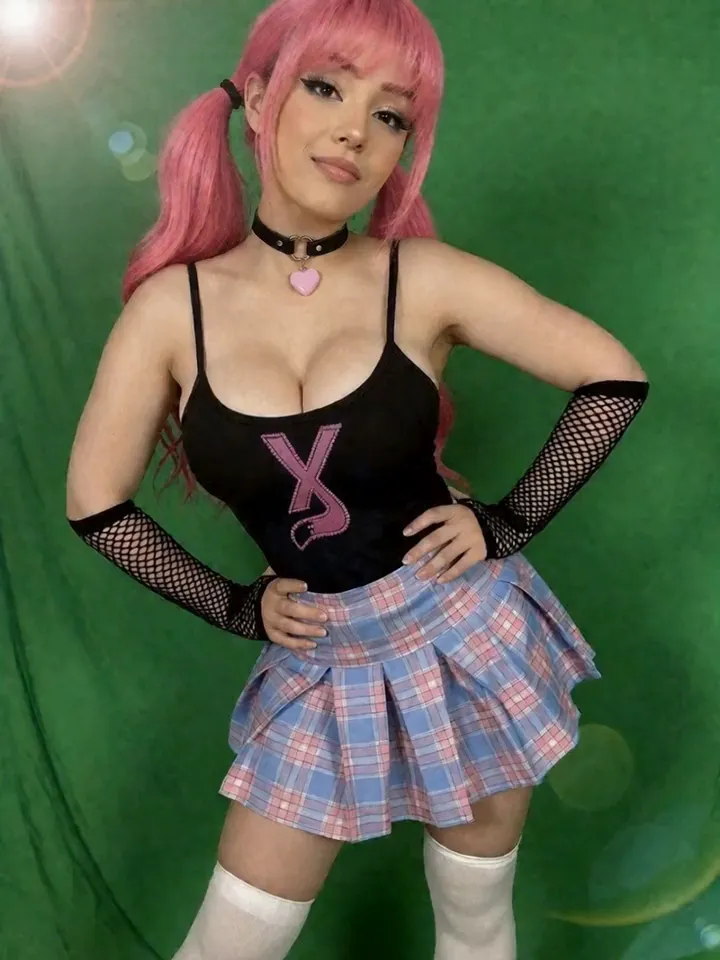
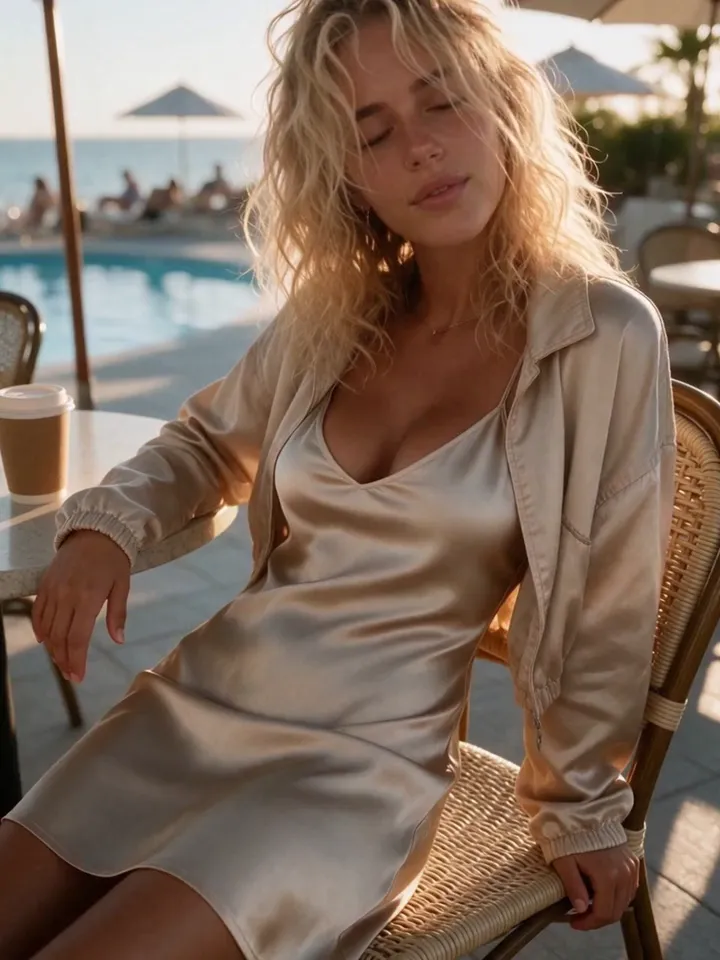
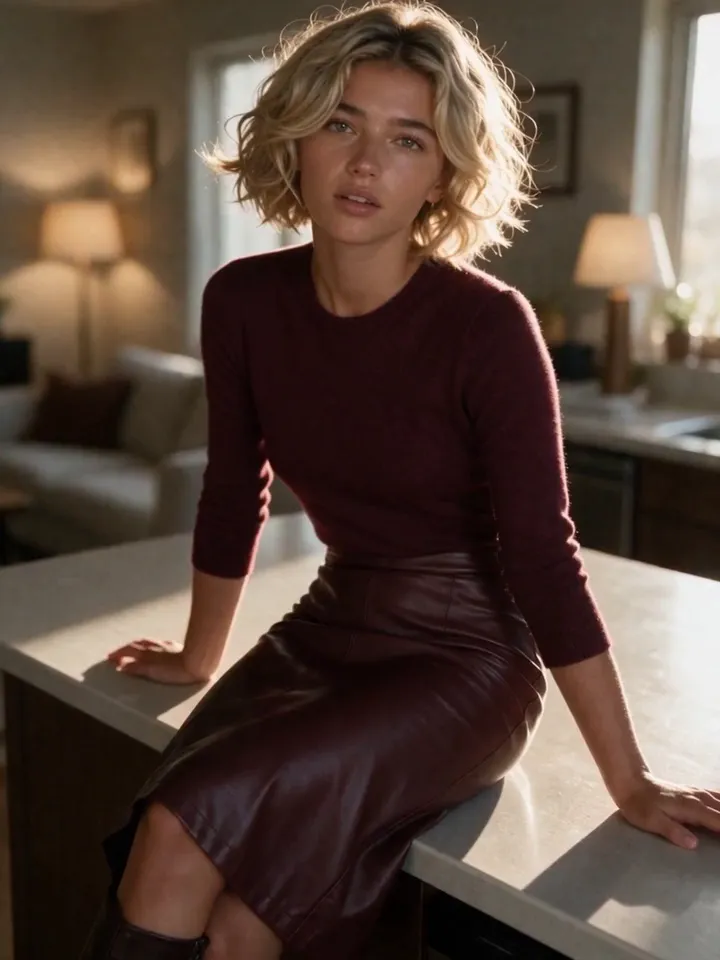
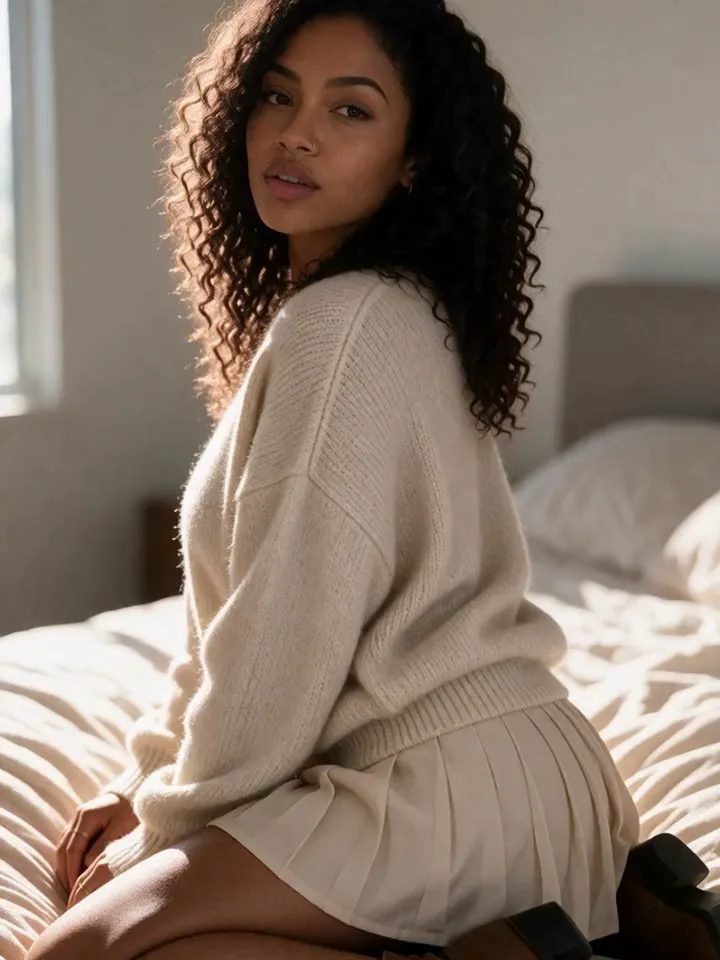
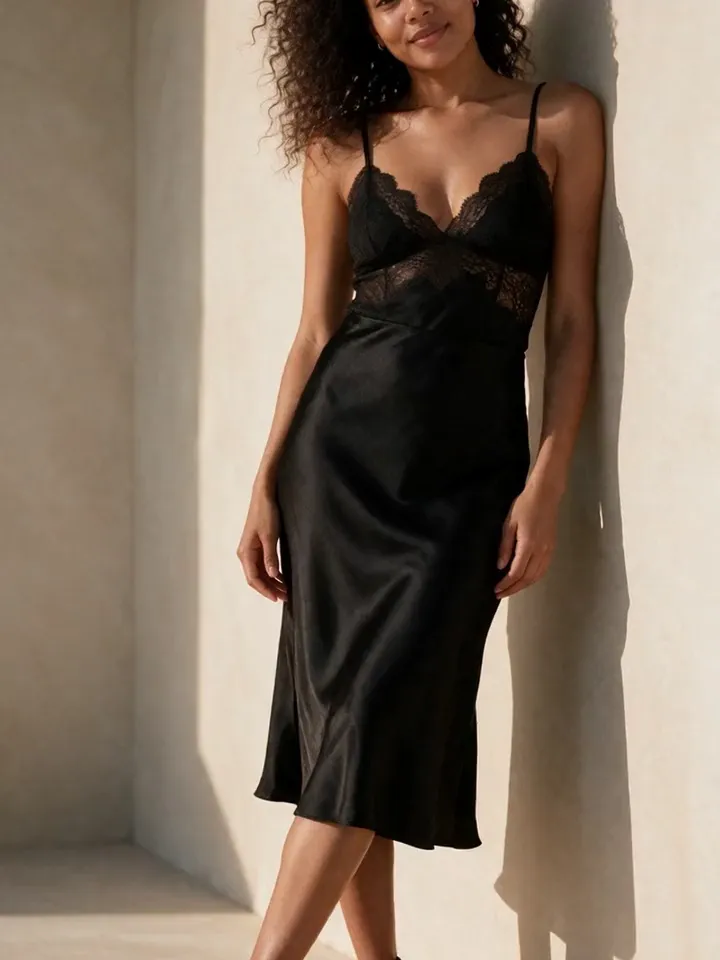
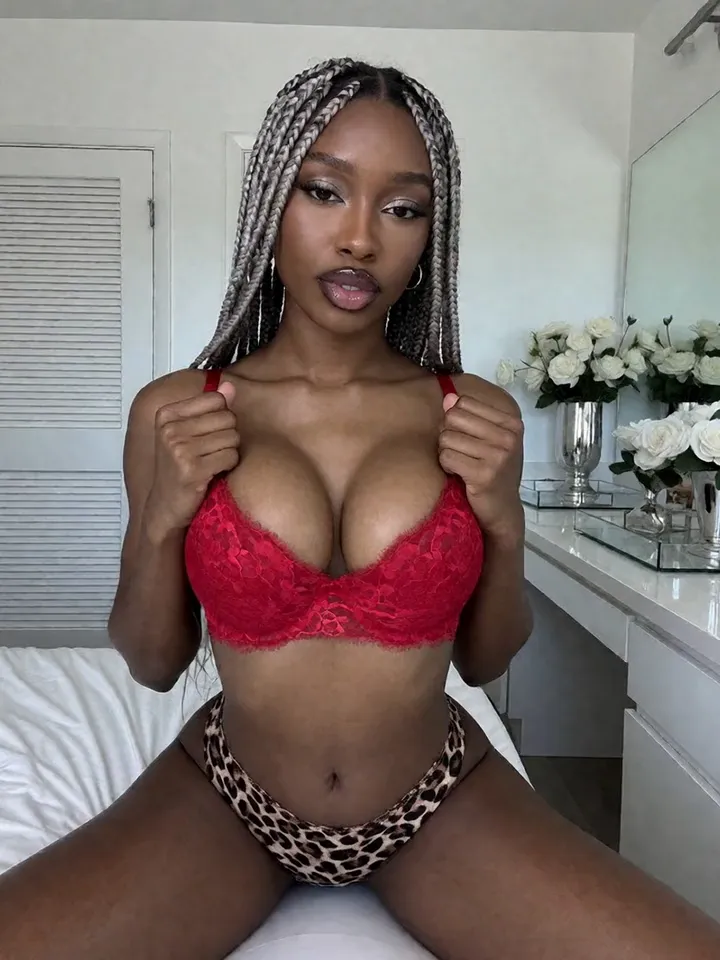
A good AI model photo generator should produce content sets, not isolated images. Vixxxen helps creators build consistent photos around one recognizable model.
Vixxxen combines generation, references, edits, and saved folders so a model can stay recognizable across many looks.
AI Model Photos workflow essentials
Vixxxen is useful because it treats the model as an ongoing character. The same identity can move through different outfits, poses, backgrounds, and campaigns.
Produce themed image sets instead of single unrelated outputs.
Keep the same model identity across outfits and locations.
Use inpainting or eraser tools to finish strong images.
Save final photos for future prompt and video workflows.
Vixxxen workflow for ai model photos
Build each photoshoot around a clear concept: subject, outfit, pose, background, and lighting. Generate variations, edit the best outputs, and save the strongest references.
Create a reference baseline for the model.
Use structured prompts for each content set.
Organize finished photos by campaign.
Turn the strongest images into video when useful.
Before you publish
Avoid using AI model photos to impersonate real people, fake endorsements, or mislead subscribers about the nature of the content.
Frequently asked questions
Can Vixxxen generate AI model photos?
Yes. Vixxxen can generate consistent AI model images and photoshoot-style sets using references, prompts, and editing workflows.
How do I make AI model photos consistent?
Use a clear reference identity, repeat the same core identity language, save strong outputs, and repair good images instead of rerolling randomly.
Can AI model photos become videos?
Yes. Strong still images are often the best starting point for image-to-video or start-frame video workflows.