AI character Face Lock for consistent creator content
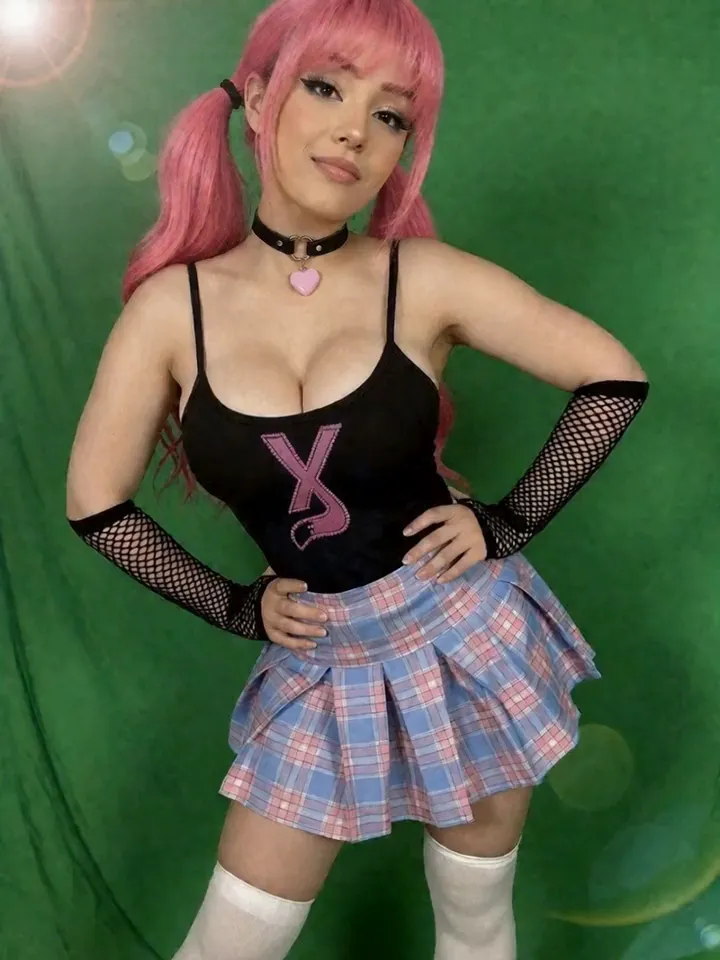
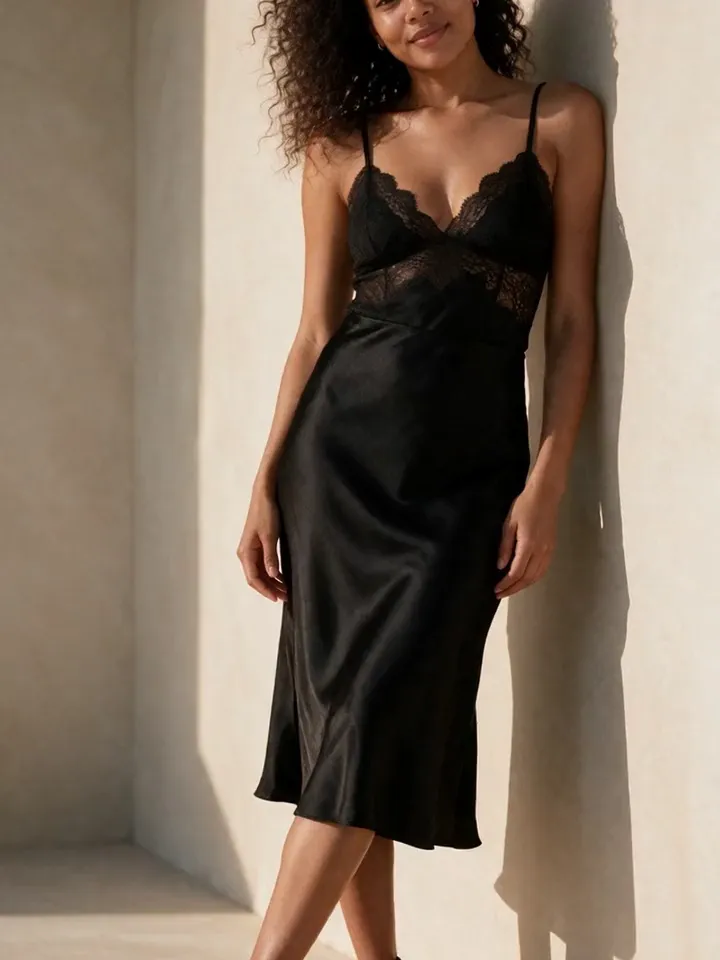
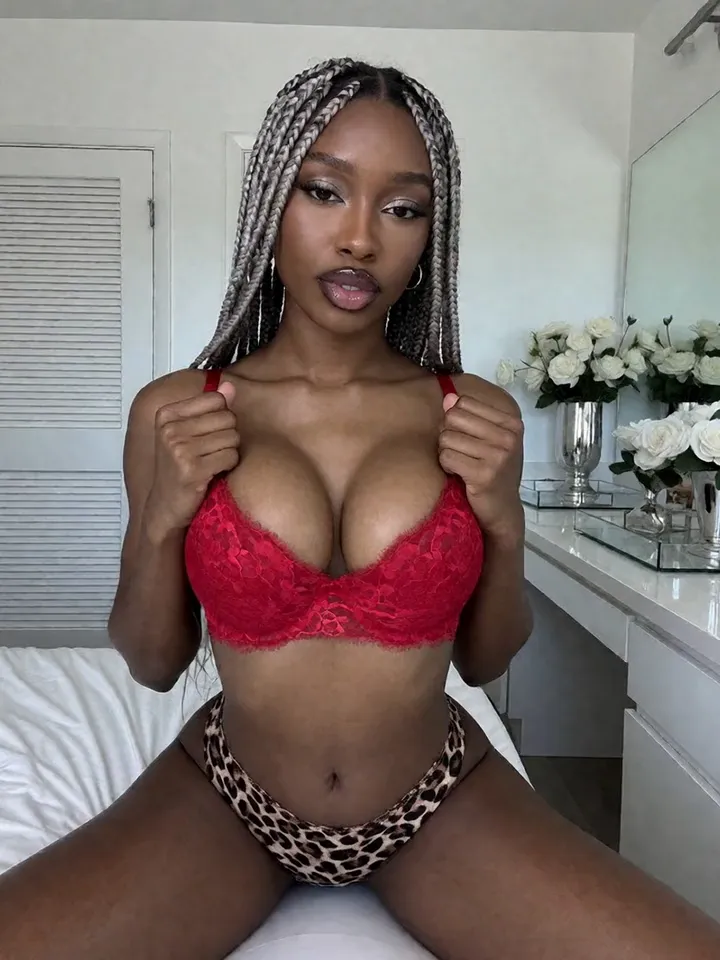
Face consistency is the difference between a character and a random gallery. Vixxxen helps creators keep an AI character recognizable while changing scenes, poses, outfits, and content types.
Face Lock style workflows help maintain identity across image and video generation.
Use references, prompt structure, and drift checks together so the same character stays recognizable.
What Face Lock is trying to solve
AI models naturally drift. A prompt can change the face, age, hair, ethnicity, or body type even when the creator asks for the same character. Face Lock style workflows reduce that drift by anchoring the output to a recognizable identity.
Vixxxen uses references and identity-preserving workflows so creators can build a character library without losing the model from one set to the next.
Preserve the same face while changing outfits.
Keep recognizable identity across backgrounds and poses.
Use strong finished images as future reference material.
Catch drift before publishing or animating a still image.
How to get better Face Lock results
Start with references that clearly show the character. Avoid mixing contradictory hair, age, makeup, and face shapes unless you intentionally want a new look. Prompt the subject first, then add outfit, action, background, and lighting.
If a generated image is almost right, use editing tools rather than rerolling blindly. The edited image can become a stronger reference for future generations.
Use clear front-facing and three-quarter references.
Keep core identity language consistent.
Change one major visual variable at a time.
Save the best outputs as the new baseline.
Face Lock across video
Video can amplify identity drift, so it is best to animate strong still images rather than weak ones. Choose a still frame that already matches the character, then use short, focused motion prompts.
Frequently asked questions
What is AI Face Lock?
AI Face Lock is a workflow for keeping a generated character face consistent across new images, scenes, and videos by anchoring generation to references or identity controls.
Does Vixxxen have Face Lock?
Vixxxen supports Face Lock style workflows that help creators preserve character identity across content.
Can Face Lock keep hair color consistent too?
Face Lock primarily protects identity. Hair, outfit, pose, and background should still be controlled clearly in the prompt and reference set.