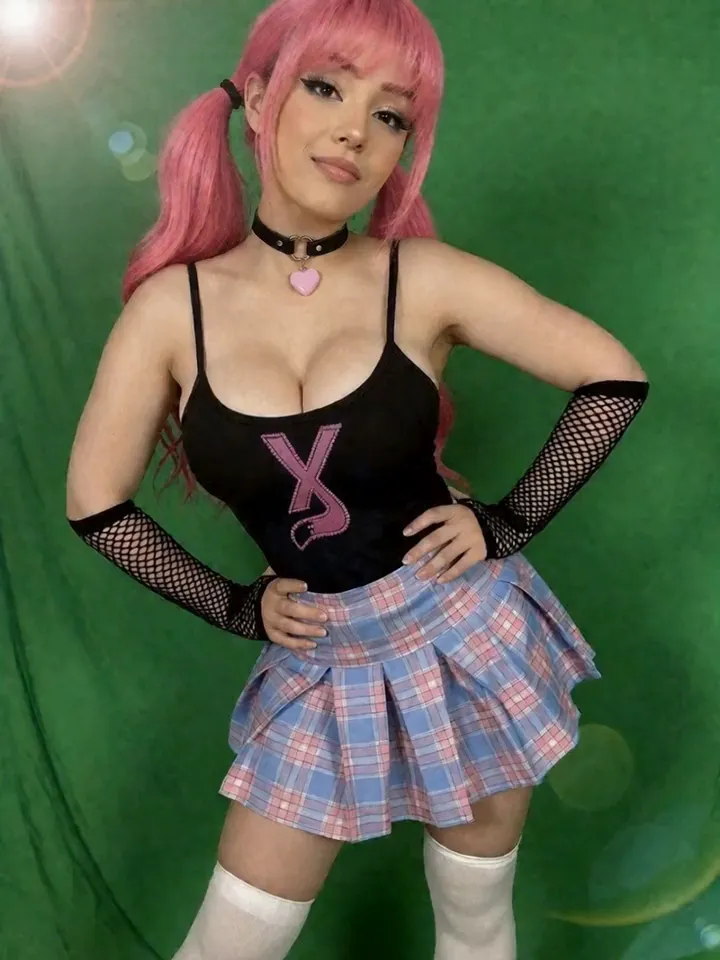
Vixxxen helps creators build permission-based visual digital twins: AI versions of themselves that can appear consistently across content sets, fan-site campaigns, images, video, edits, and saved asset libraries.
Vixxxen is useful for permission-based creator workflows where the user owns or controls the likeness being referenced.
Digital Twins workflow essentials
Vixxxen fits the visual production layer: reference photos, identity consistency, new image sets, video clips, edits, captions, and folders organized around one creator identity.
Create AI versions of yourself from approved creator references.
Generate new social-safe and premium content around the same visual identity.
Use Face Lock style workflows and saved winners to reduce drift.
Store approved digital twin assets in dedicated folders for future campaigns.
Vixxxen workflow for digital twins
Use only permission-based references, define allowed use cases, create controlled variations, review outputs, and store approved digital twin assets separately from experiments.
Document permission and usage boundaries.
Use clear references and stable identity prompts.
Avoid misleading contexts or unauthorized impersonation.
Publish only where allowed.
Before you publish
Do not create digital twins of real people without permission. Laws and platform policies around likeness, adult content, disclosure, and account verification can be strict.
Frequently asked questions
Can Vixxxen create AI digital twin visuals?
Vixxxen can support permission-based reference workflows for creating consistent visual assets around a creator-owned likeness.
Can creators make AI versions of themselves with Vixxxen?
Yes. Vixxxen is built for creators who want to use their own approved references to create consistent AI images, videos, edits, and campaign assets.
Can I make a digital twin of someone else?
Only with appropriate permission and in compliance with law and platform rules.
Is a digital twin the same as a fictional AI model?
No. A digital twin is tied to a real likeness, so consent and usage boundaries matter much more.