Vixxxen / AI OFM Platform / AI outfit generator for consistent AI models

AI Outfits

AI outfit generator for consistent AI models

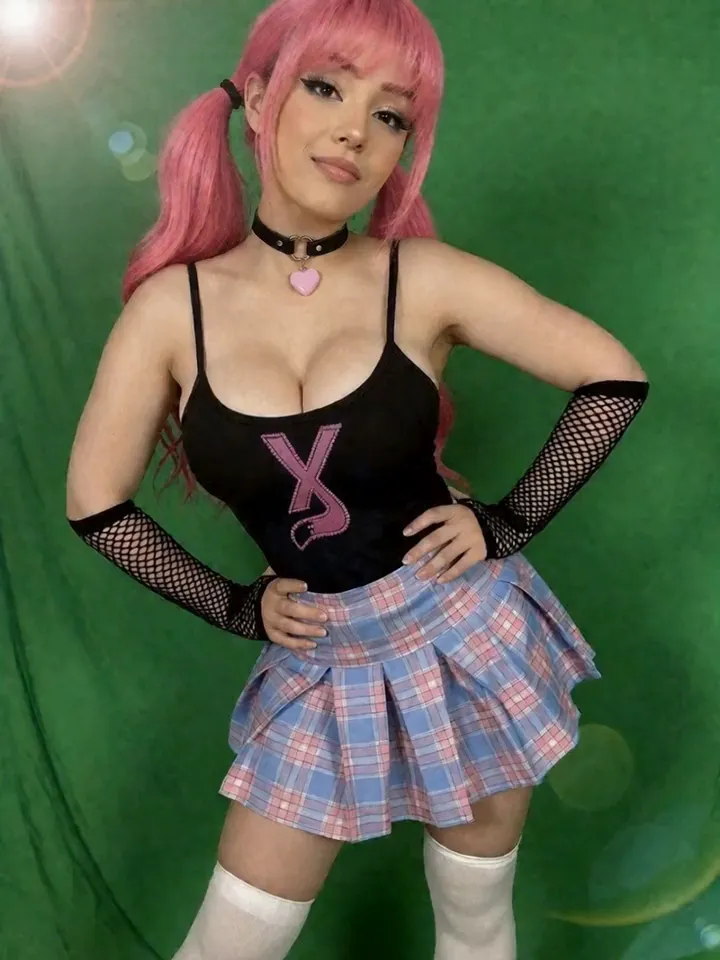
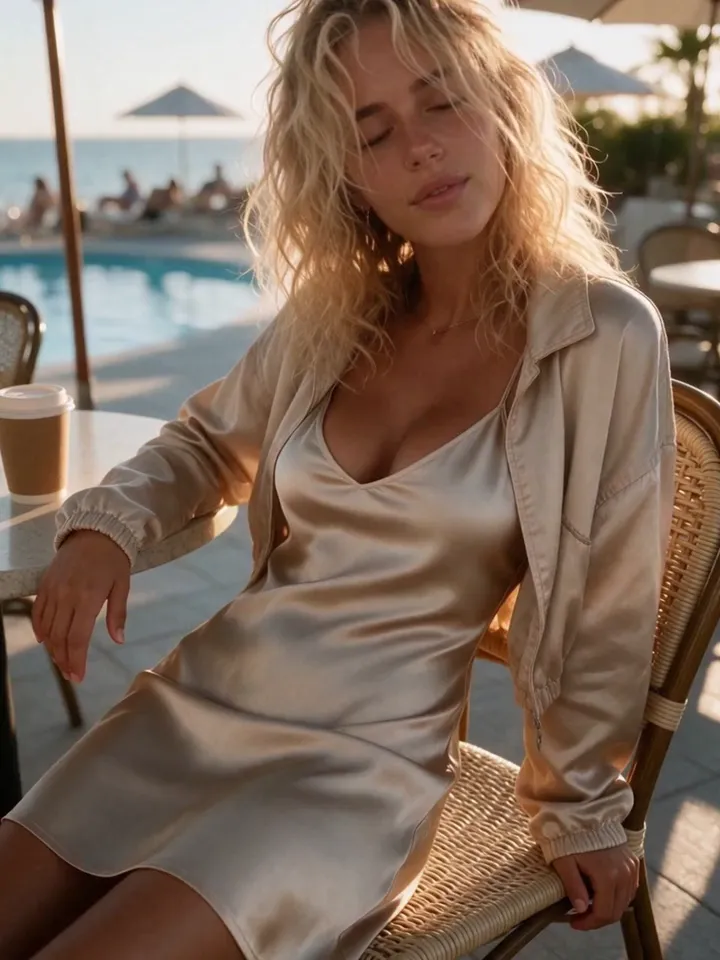
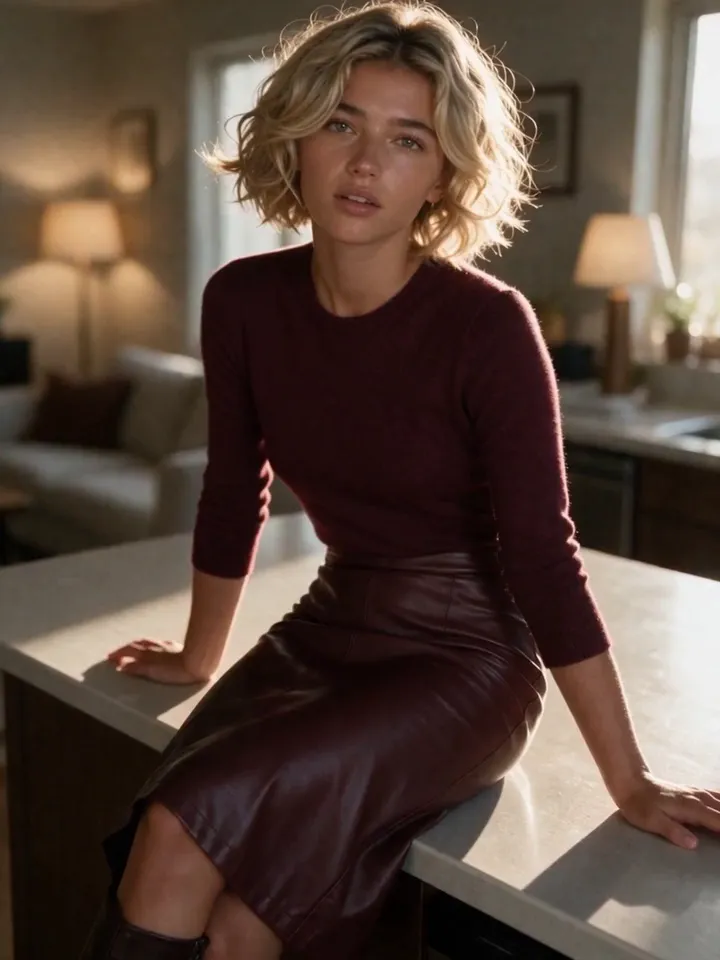
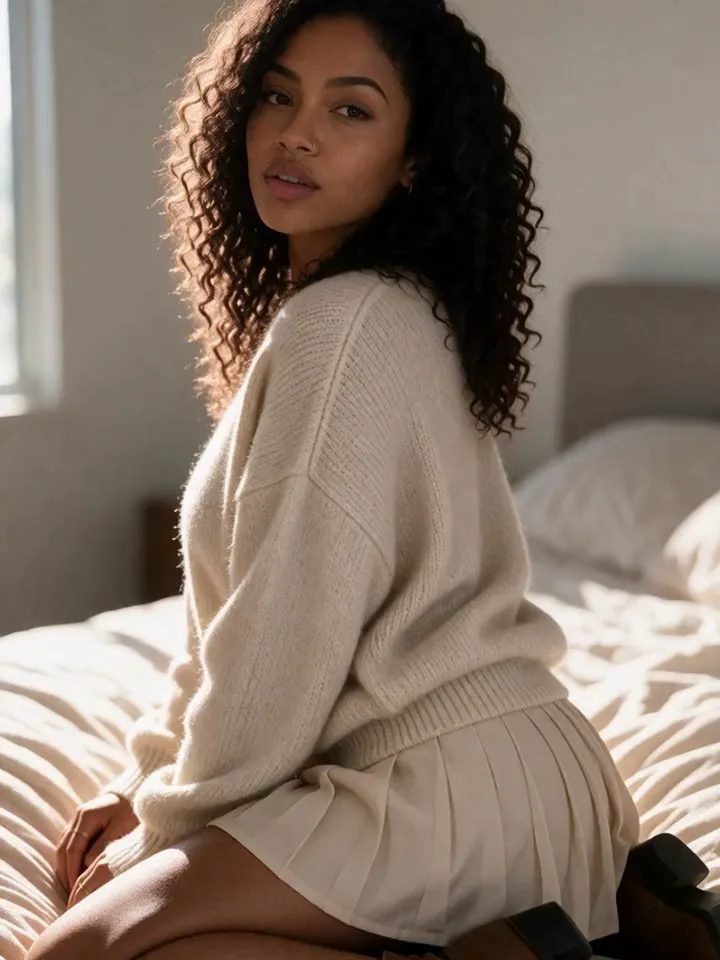
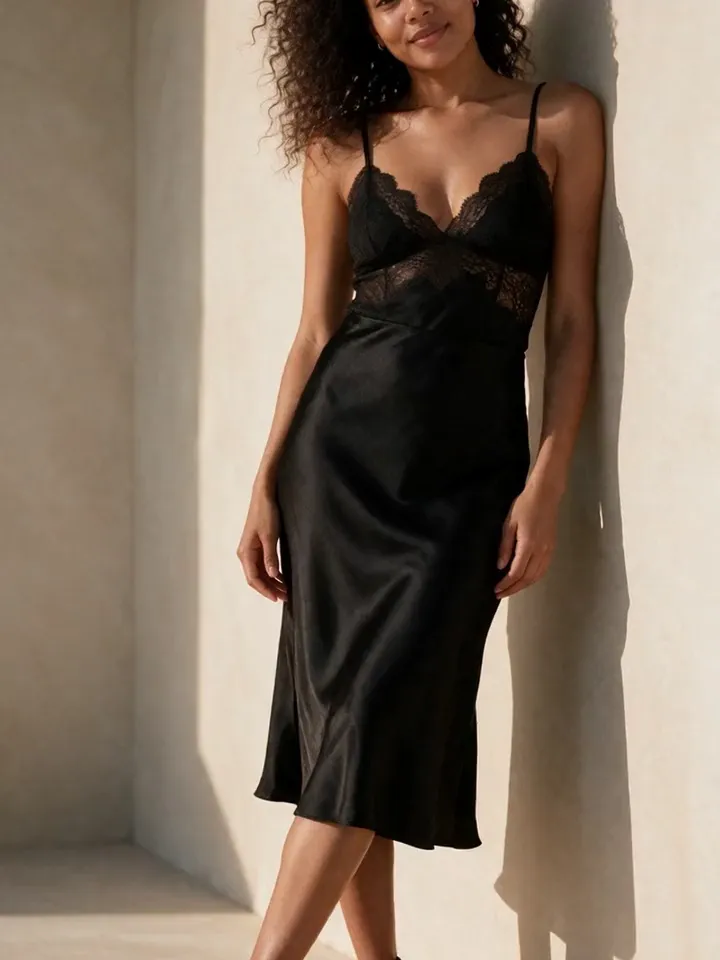
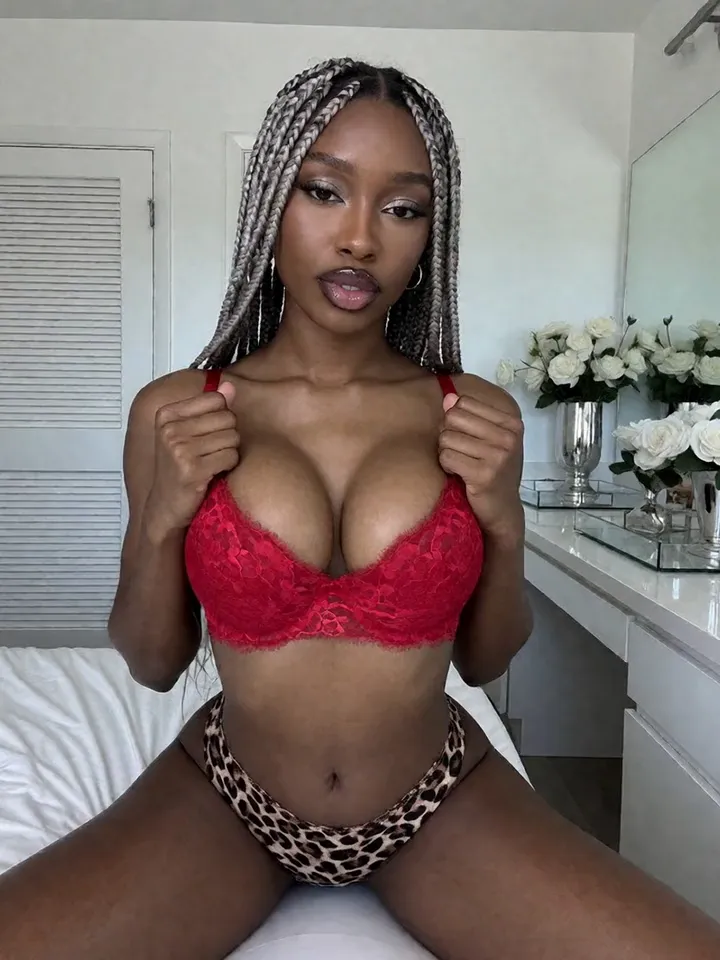
Changing outfits should not change the character. Vixxxen helps creators generate new wardrobe concepts while keeping the same fictional AI model recognizable.

Vixxxen AI creator platform preview

AI outfit generator for AI models works best as a repeatable production workflow: define the character or asset goal, use clean references, generate controlled variations, edit the strongest output, and save the result for future campaigns.

Use this guide to plan prompts, references, quality checks, and publishing review before you spend credits or move the asset out of Vixxxen.

What a good workflow includes

Vixxxen fits because the same character can move across fashion, lifestyle, social, and premium content lanes.

A useful workflow should help you decide what to generate, what to edit, what to save as a reference, and what to reject before it reaches a public account or paid-content workflow.

A practical Vixxxen workflow

Start with a stable model reference, describe the outfit clearly, generate variations, edit the best results, and save the approved look.

Keep the loop simple: start with a clear reference or prompt, generate a focused set, use editing tools on near-misses, save the winners, and reuse the best assets as direction for the next campaign.

Prompt and quality checklist

Use the same prompt structure across sessions so results are easier to compare and improve.

Before publishing or animating an output, check whether the face, hair, styling, hands, background, lighting, and content tier still match the intended character and platform.

Before you publish

Avoid unauthorized brand logos, protected costume designs, and misleading endorsements unless you have rights.

Keep social-safe previews, premium assets, references, source images, and edited finals in separate folders so future campaigns are easier to plan and audit.

Production checklist

Before spending credits, decide what the asset needs to do: introduce a character, support a campaign, create a social-safe preview, build a premium set, or become a source image for video.

A clean checklist keeps the workflow repeatable and makes it easier to improve the next batch.

Prompt structure

A reliable creator prompt is easier to improve when it follows the same order each time. Start with the identity, then add the styling, action, setting, and image quality details.

Frequently asked questions

Can Vixxxen change an AI model outfit?

Vixxxen can generate new outfit looks and edit images while preserving a fictional model identity.

How do I stop outfit changes from changing the face?

Use clear references, stable identity prompts, and Face Lock style workflows where available.

Can outfit images become videos?

Yes. Strong stills can be used in video workflows where supported.

Related Vixxxen guides

Build the AI creator workflow in Vixxxen

Create consistent AI characters, generate images and videos, edit the best outputs, and keep content organized for SFW and fan-site workflows.