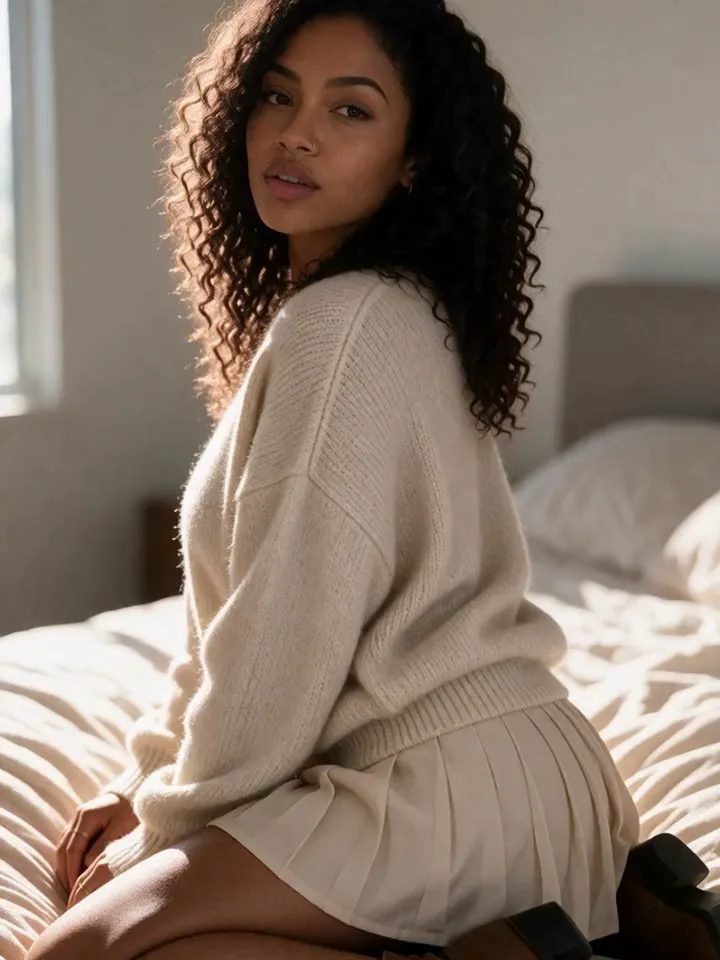
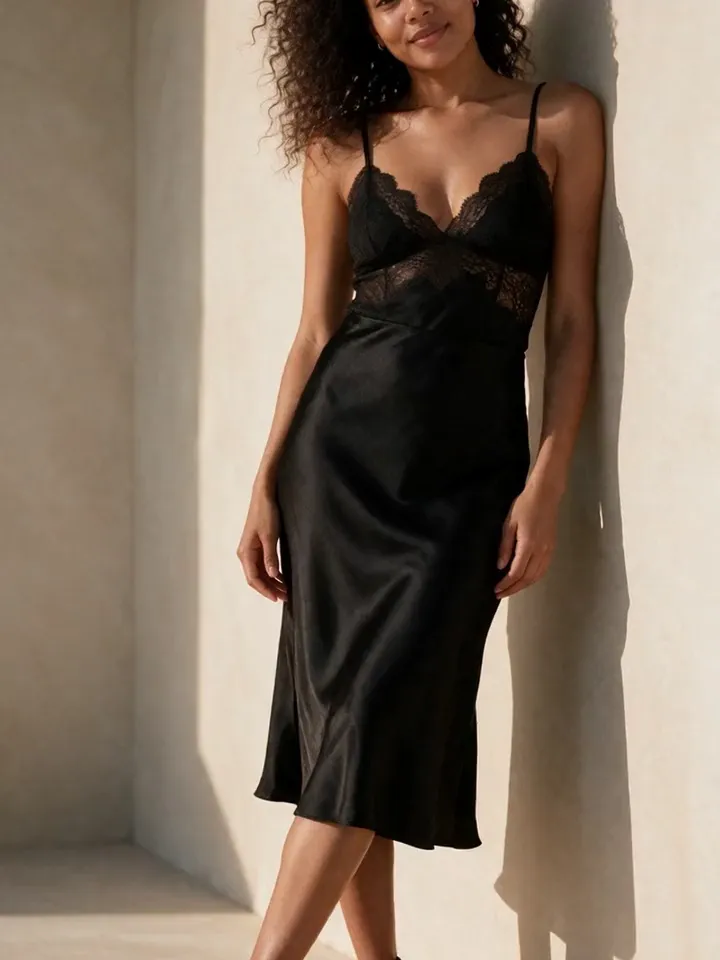
The right Instagram post dimensions make AI creator content look cleaner in the feed, easier to crop, and safer to repurpose across Reels, Stories, carousels, and fan-site previews.
Quick answer: use 1080 x 1350 for portrait feed posts, 1080 x 1080 for square posts, 1080 x 566 for 1.91:1 landscape posts, and 1080 x 1920 for Reels or Stories.
Creator workflow: generate a larger master image, keep the face and hands inside a crop-safe center, then export one version for feed, one for Stories, and one for your content library.
Instagram post dimensions cheat sheet
When people ask for the best IG post size, they usually mean the export size and aspect ratio that will look clean in Instagram's feed. These are the practical presets to use when planning Vixxxen images, carousel slides, short clips, and social-safe previews.
Format
Aspect ratio
Export size
Best use
Portrait feed post
4:5
1080 x 1350
Most AI model photos, outfit reveals, teaser posts, and high-screen-space feed assets.
Square feed post
1:1
1080 x 1080
Profile-friendly posts, quote cards, before/after edits, and consistent carousel layouts.
Landscape feed post
1.91:1
1080 x 566
Wide scenes, comparison graphics, banners, and storyboards where the background matters.
Phone-camera style portraits and vertical shots that need a taller crop than square.
Platform support and previews can change. Before a major campaign, publish a private or test post and confirm the crop in the Instagram app.
How to crop AI creator images for Instagram
AI images often look strong at generation time, then lose quality when the crop cuts through hair, hands, text, or the face. Vixxxen works better when you plan the destination format before generating.
Generate a master image that is larger than the final post size, then crop down to the chosen Instagram aspect ratio.
Keep the face, hands, logo text, and key wardrobe details away from the edges.
Use 4:5 for most AI influencer feed posts because it gives the model more vertical room.
Use 1:1 when you want a uniform profile grid or carousel template.
Use 9:16 when a still might become a Reel, Story, or short video asset later.
For consistent character work, save the best crop as a reference so the next batch can match the same face, hair, styling, and content tier.
Vixxxen workflow for IG post size planning
Use Vixxxen as the production workspace, then export for Instagram only after the asset passes identity and platform checks.
Plan the post type: feed portrait, carousel, Reel cover, Story, or fan-site teaser.
Generate around the crop: include framing words like portrait, full body, waist-up, close-up, or vertical social post.
Edit near-misses: use inpainting or object removal when one detail is wrong but the image is otherwise strong.
Separate SFW and premium assets: Instagram should stay social-safe; adult or explicit content belongs in compliant, age-gated workflows.
Store the winners: organize approved images by model, campaign, and export size so the next content run starts faster.
Aspect ratios for AI OFM teams
For an AI OFM workflow, aspect ratio is more than a design choice. It affects how quickly the team can turn one approved character into a full content set.
Start with a portrait feed asset, then adapt it into a square profile-grid post, a 9:16 Story, and a clean cover image. If you are testing engagement, keep the character and offer stable while changing only one variable at a time: crop, hook, caption, or call to action.
A good engagement rate on Instagram depends on niche, account size, content quality, and audience fit. The more useful number is your own baseline: compare each format against recent posts from the same account and campaign.
Instagram safety notes for adult AI creators
Use Instagram for discovery, personality, and social-safe previews. Keep explicit imagery, adult calls to action, and paid-content fulfillment off Instagram and inside platforms that support that workflow.
Do not impersonate real people, celebrities, or private individuals.
Use fictional AI models and clearly manage consent, age, and platform-policy requirements.
Keep previews SFW enough for mainstream social discovery.
Verification is not guaranteed by image format. Consistent branding, legitimate identity signals, and rule-following matter more than post dimensions.
Related Vixxxen resources
Use these guides to connect Instagram sizing to the rest of the AI creator workflow.
For most AI creator feed posts, 1080 x 1350 is the best starting point because the 4:5 portrait crop uses more vertical screen space than a square post.
What is IG post size for square images?
The standard square IG post size is 1080 x 1080, which uses a 1:1 aspect ratio.
What is Instagram aspect ratio?
Instagram aspect ratio is the relationship between width and height. Common ratios include 1:1 square, 4:5 portrait, 1.91:1 landscape, 3:4 portrait photo, and 9:16 vertical video.
Can Vixxxen make Instagram-ready AI images?
Yes. Vixxxen helps generate consistent fictional AI model images and organize social-safe assets before you export them for Instagram or other channels.
Create Instagram-ready AI model content
Build a consistent fictional creator, generate social-safe image sets, and organize feed, Story, Reel, and fan-site preview assets in one workflow.